Power Apps for Healthcare Provider Processes
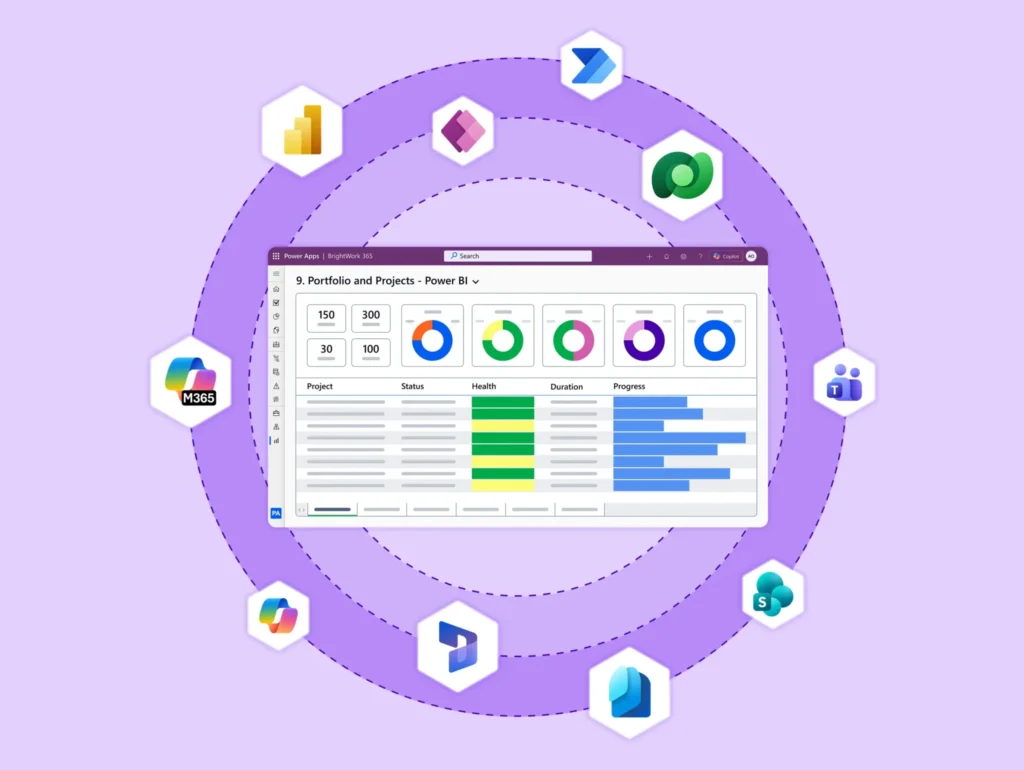
BrightWork leverages Power Apps to make project portfolio management more flexible, intuitive, and tailored to how teams actually work, while seamlessly integrating with Microsoft 365.
Trusted by industry leaders
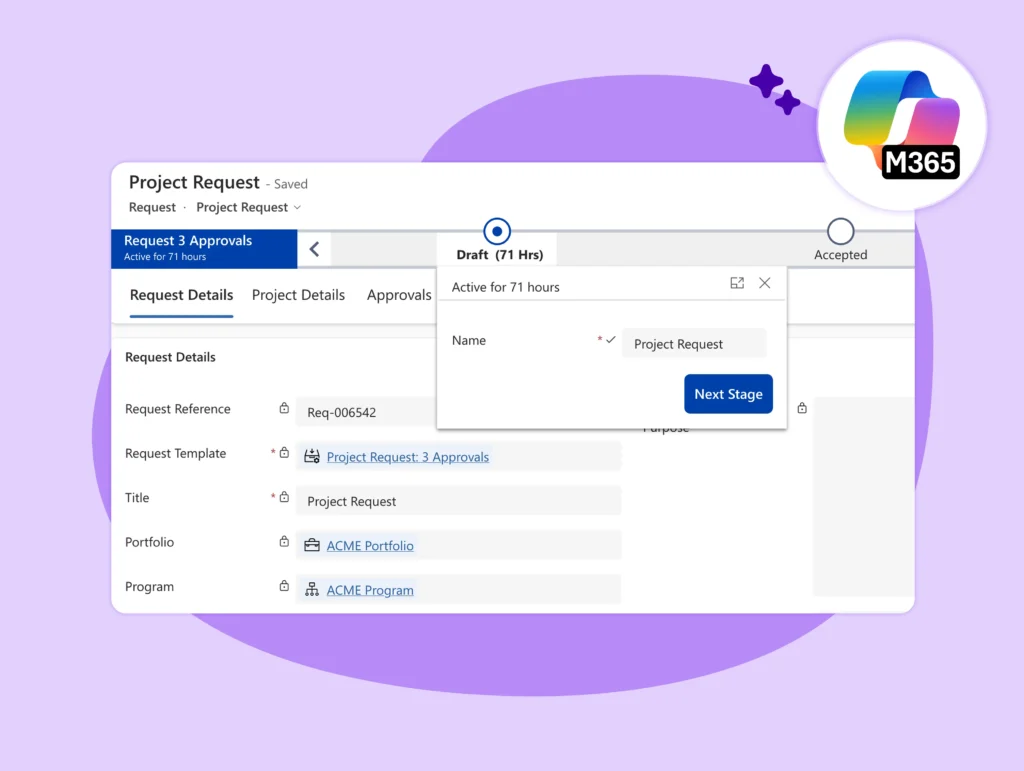
Centralize Healthcare Data
Disconnected spreadsheets and legacy systems create data silos, complicating reporting and patient management. BrightWork 365 uses Power Apps to create a unified system for capturing and managing project and operational data.
-
Build custom forms for patient intake or clinical trials.
-
Connect data from various systems into a single view.
-
Capture real-time data for immediate insights.
Build Custom Apps for Faster Insights
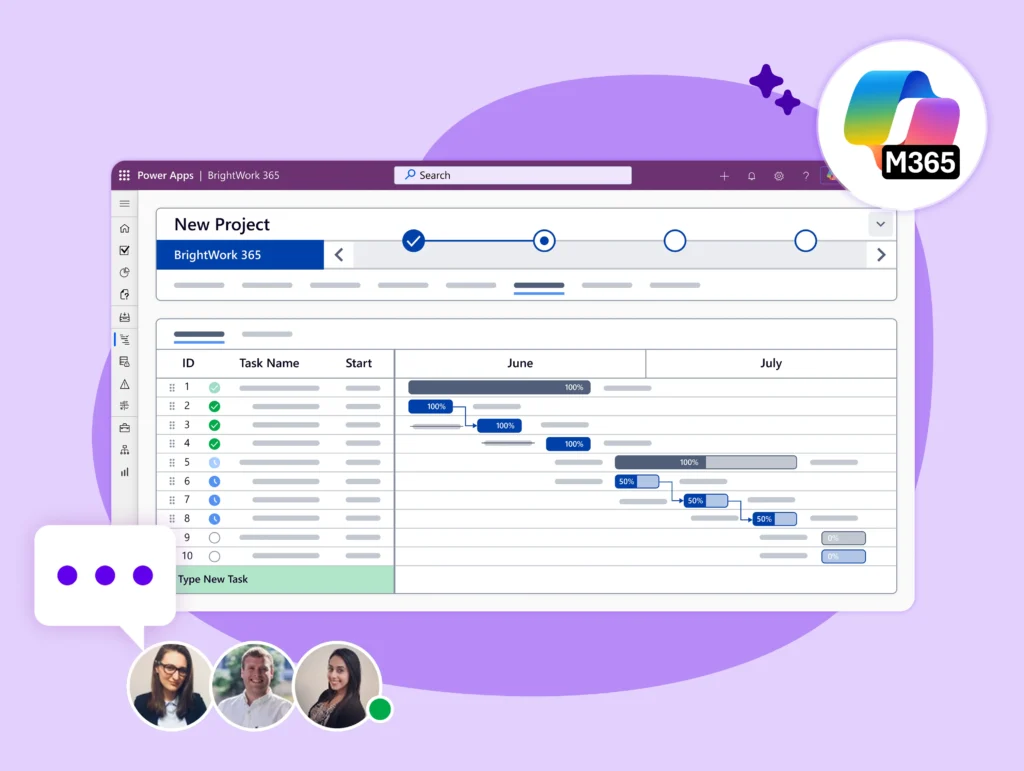
Instead of generic software, develop tailored applications that match your exact processes. Use BrightWork 365 with Power Apps to create solutions for specific departmental needs, from facilities management to clinical research.
-
Design apps for equipment tracking or patient onboarding.
-
Customize forms, views, and charts for different user groups.
-
Automate data capture to reduce administrative errors.
Standardize and Scale Processes
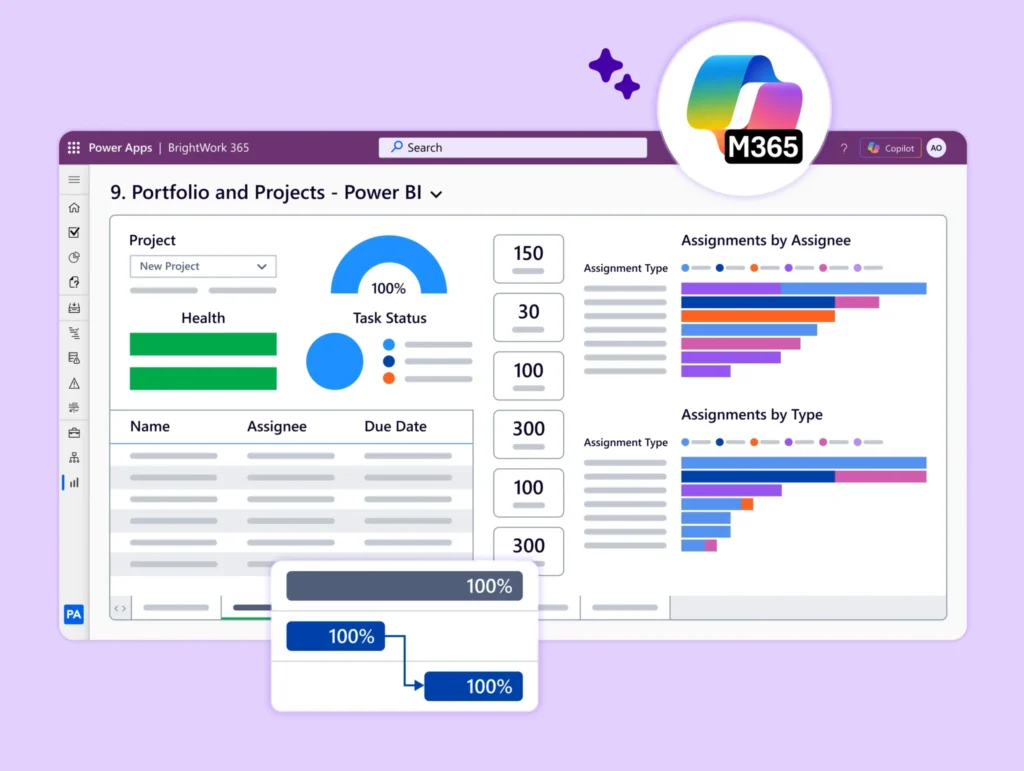
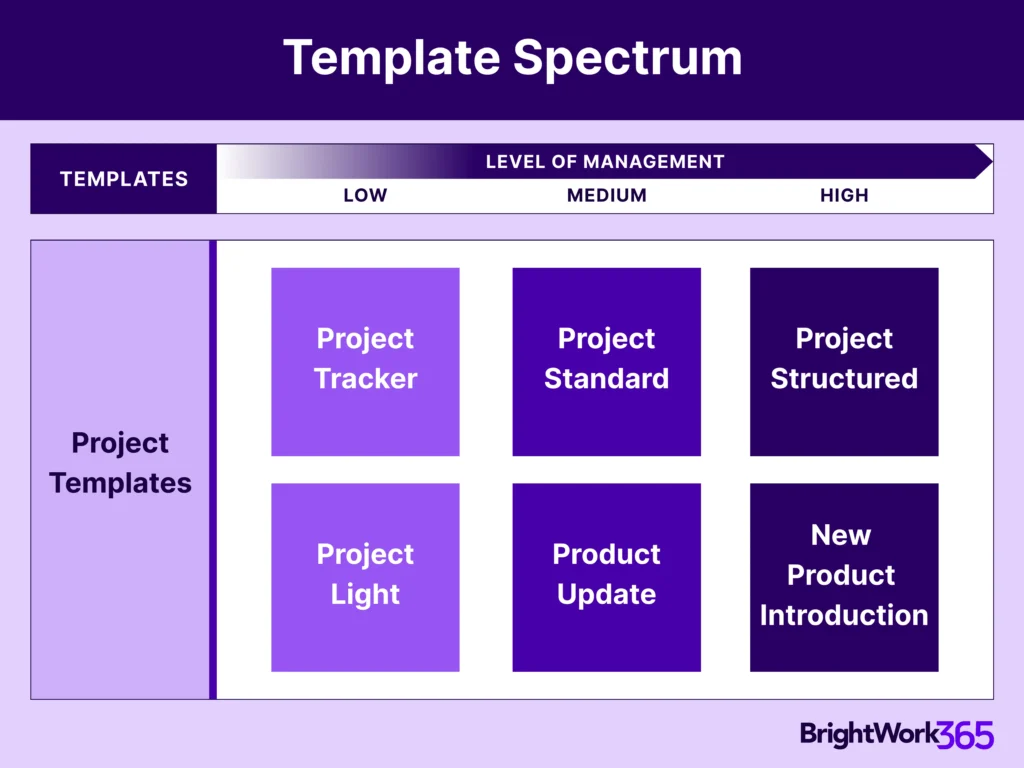
Bring consistency and control to your healthcare projects and administrative tasks. BrightWork 365 provides a structured project management framework, which you can extend with standardized Power Apps for essential processes.
-
Deploy project templates for consistent execution.
-
Use standard apps for risk assessments or status updates.
-
Gain portfolio-level visibility over all initiatives.
-
Enforce governance and compliance through controlled workflows.
Built for Microsoft 365
BrightWork 365 operates within your existing Microsoft 365 environment, ensuring seamless integration and high user adoption. This allows Power Apps to connect with the tools your healthcare teams use daily.
-
Embed Power Apps in Microsoft Teams for in-context collaboration.
-
Store and manage related documents securely in SharePoint Online.
-
Trigger notifications and approvals using Power Automate.
-
Control access with Microsoft Entra ID security groups.
Customer Success Stories

Configurable and custom templates ensure consistent project planning and delivery.


Furthermore, the tool's ability to adapt to our specific needs through customization using Power Apps has been a game-changer!




Brightwork allowed us to provide visibility into the individual projects and to save the key deliverables where all can see.


We’ve been using the Brightwork 365 platform for about two years, and it fully meets our needs. It’s intuitive, integrates seamlessly with the Microsoft suite, especially Teams, and greatly facilitates collaboration.

To use the booking widget, please allow Functional cookies.