Portfolio Management Templates for SharePoint
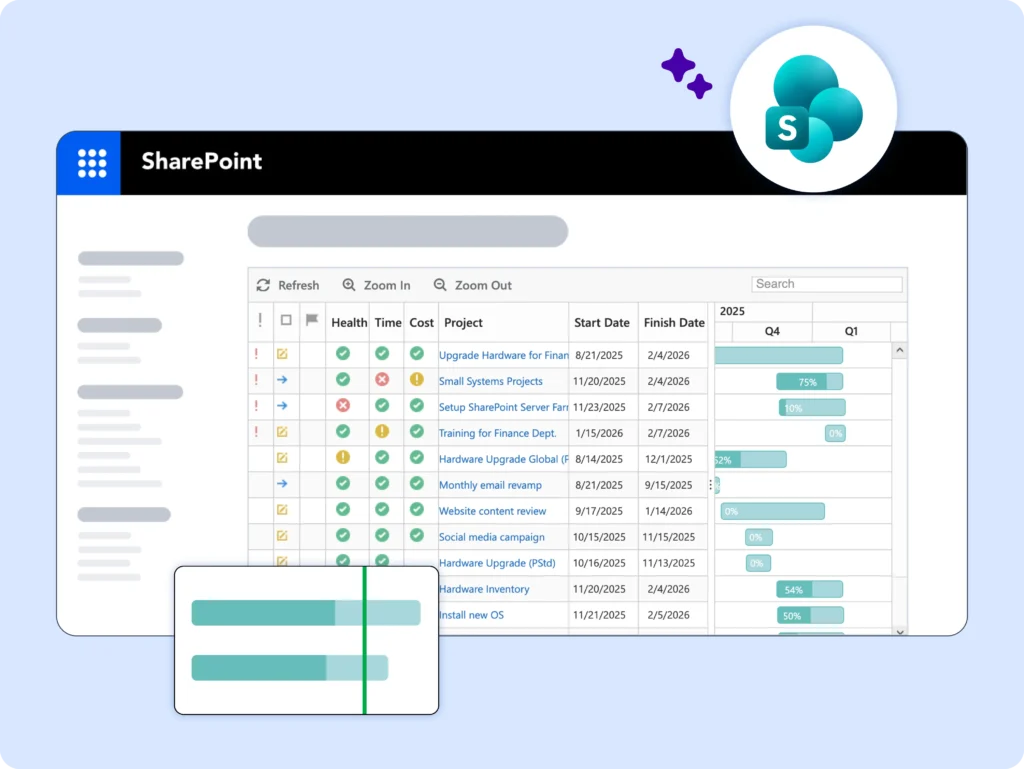
Get immediate visibility into the health of multiple projects and the project pipeline.
Choose the Right Portfolio Template
Project Office
Portfolio Reporting
Project Request Manager
Looking for templates on Microsoft 365?
BrightWork 365 lets you plan, manage, and collaborate in Microsoft 365.
Project Office
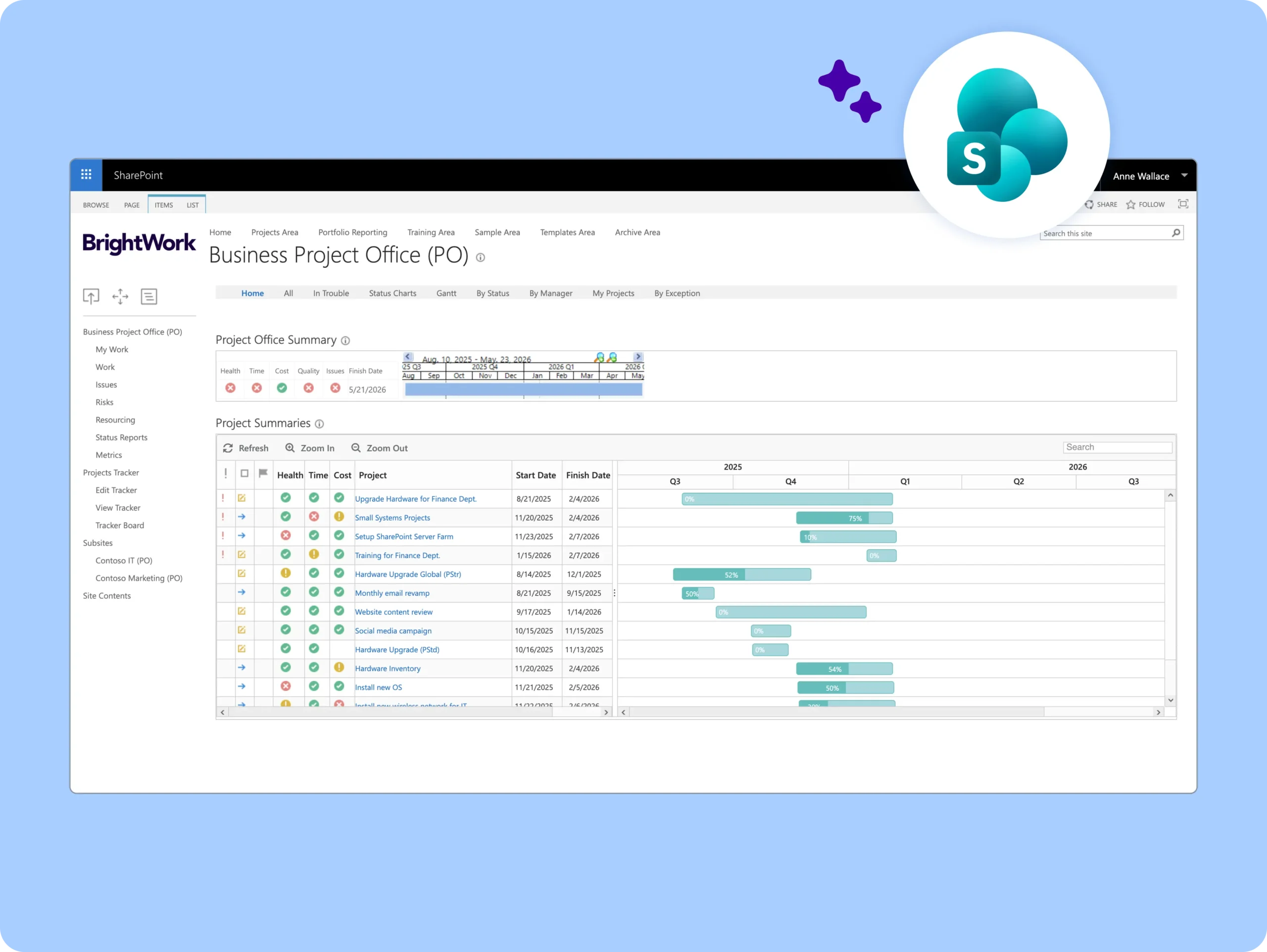
A set of real-time cross-project dashboards for managing projects and programs in one place.
-
Automatic roll-up of all projects within a hierarchy
-
Real-time project status reports and charts
-
Gantt charts and schedule views across projects
-
Work, issue, and risk reports with visual dashboards
-
Scorecards of key metrics and exception/in-trouble reporting
-
End-user configurable reports that can be emailed to stakeholders
Portfolio Reporting
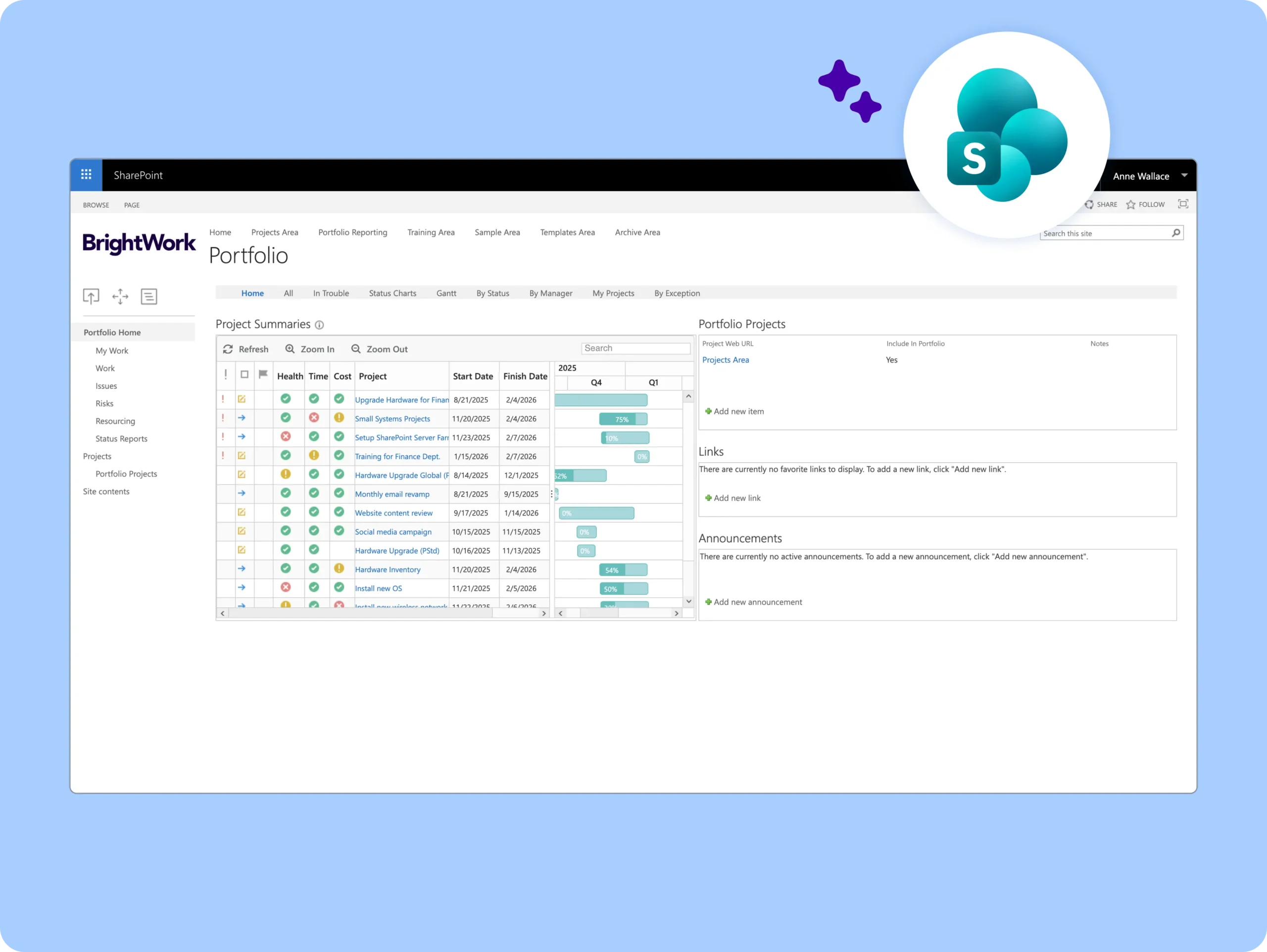
A dynamic, personalized Project Office, reporting on any project from any portfolio.
-
Flexible selection of projects
-
Real-time project status reports and charts
-
Gantt charts and schedule views
-
Work, issue, and risk reports with visual dashboards
-
Scorecards of key metrics and exception/in-trouble reporting
-
End-user configurable reports that can be emailed to stakeholders
Project Request Manager
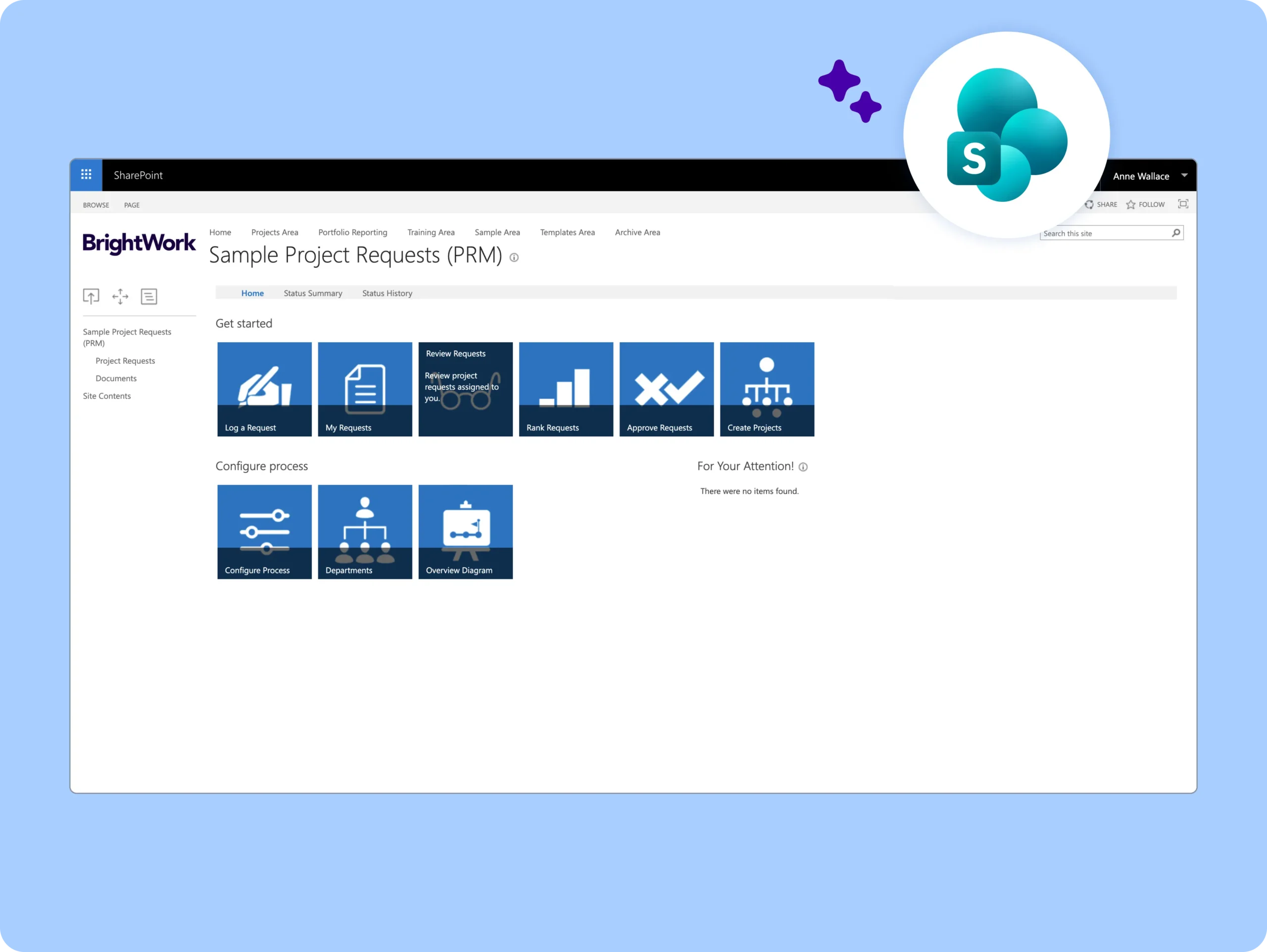
Submit, review, rank, and approve or reject new project requests.
-
Configurable New Project Request Process
-
New Project Request List
-
Resource Allocation List and Reports
-
Automated and configurable email notifications
-
Approve, Reject, Review Cycle
-
Automated New Project Site Creation
Customer Success Stories








Looking for templates on Microsoft 365?
BrightWork 365 lets you plan, manage, and collaborate in Microsoft 365.