SharePoint Online for State and Local Government
BrightWork 365 uses SharePoint Online to help teams maintain project data governance and audit readiness.
Trusted by industry leaders
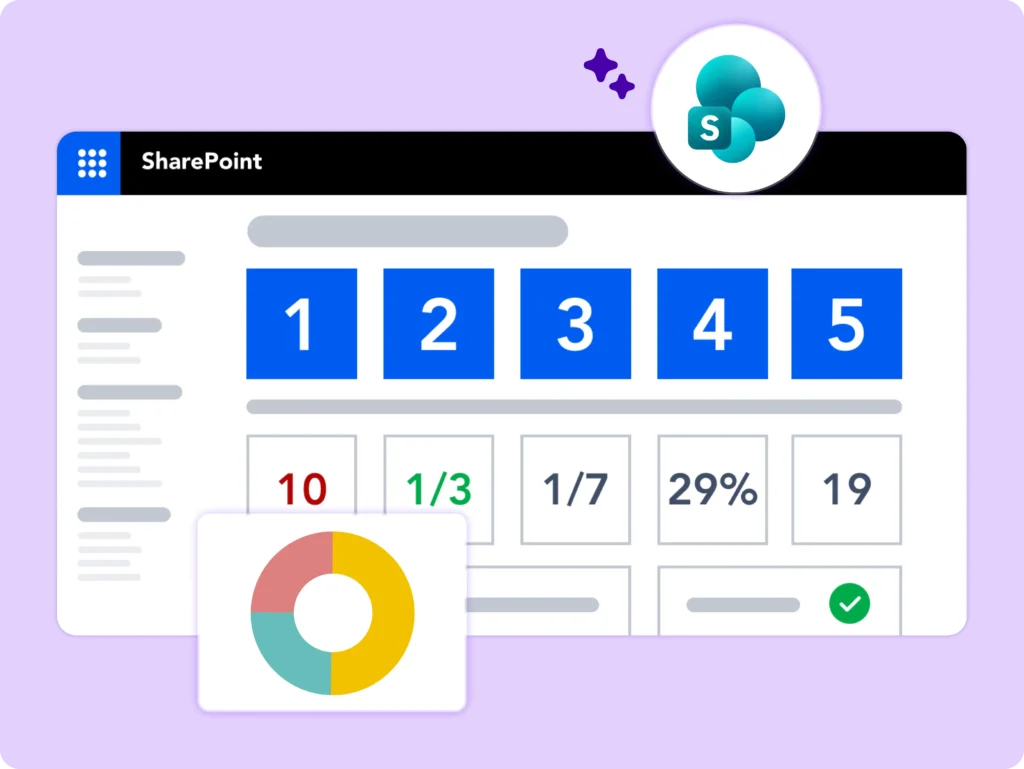
Centralize Government Project Reporting
Scattered project data across departments makes accurate reporting difficult. BrightWork 365 uses SharePoint to create a single source of truth for all project information.
-
Increase visibility of project status, issues, and progress.
-
Ensure a consistent approach to project planning.
-
Make data-backed decisions with easy access to stats.
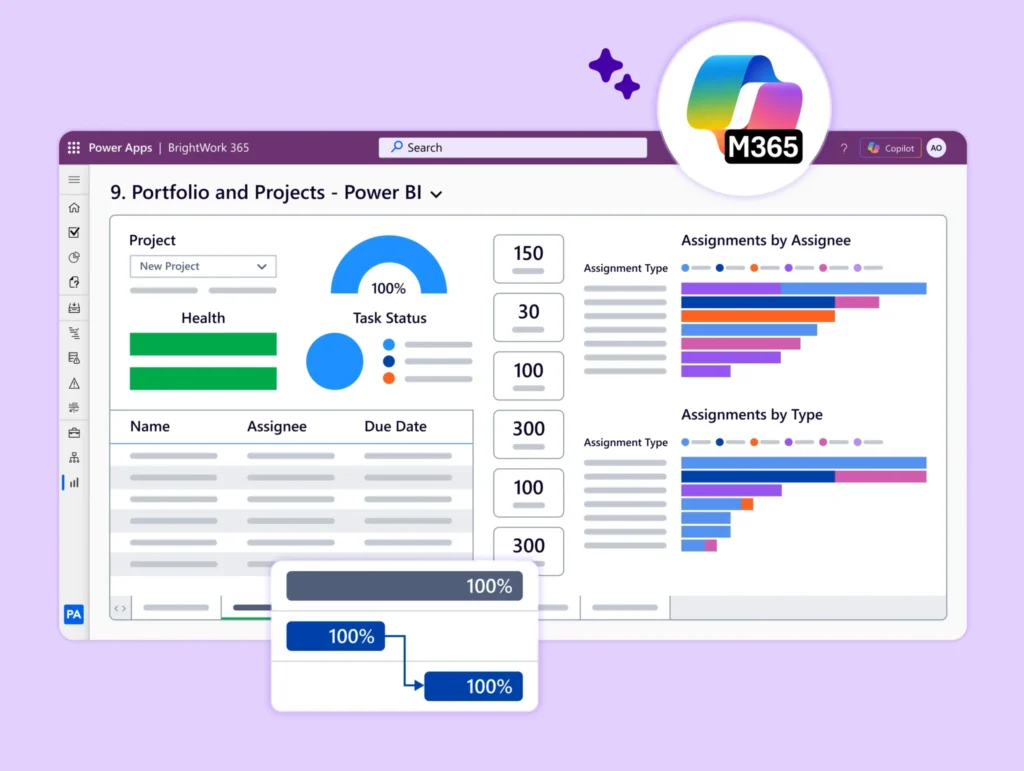
Faster Insights with Dashboards
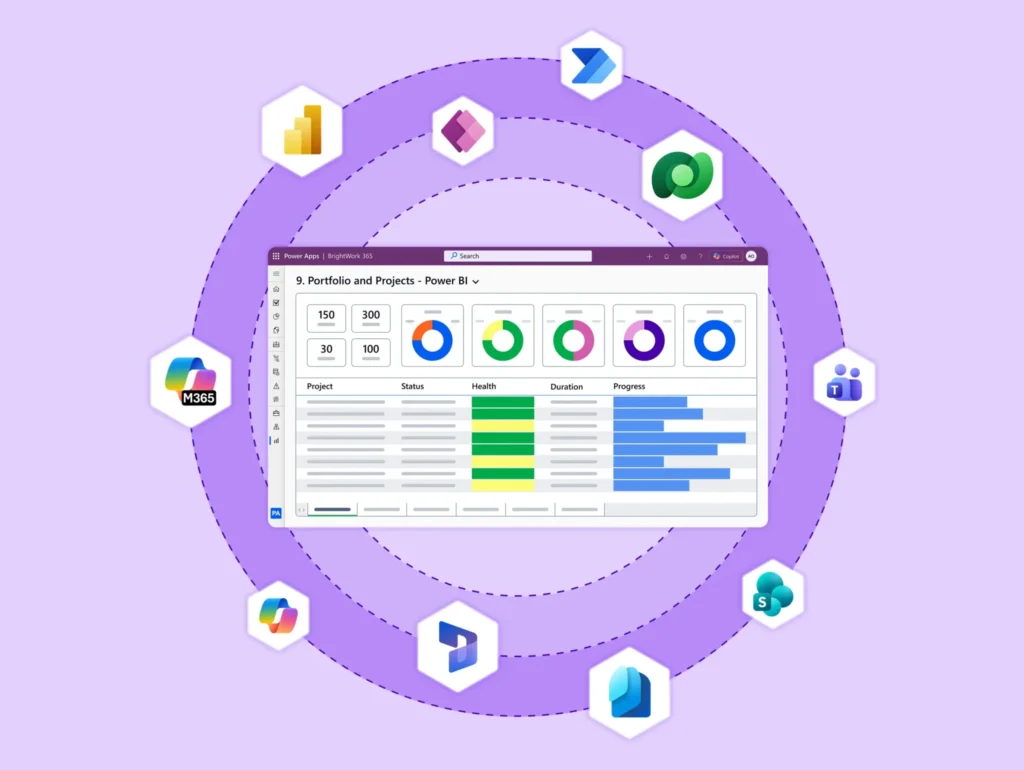
Gain immediate portfolio insights with out-of-the-box dashboards built for government agencies. These dashboards help you:
-
Monitor project and portfolio health in real time.
-
Track resource allocation and budgets.
-
Provide stakeholders with timely and predictable outcomes.
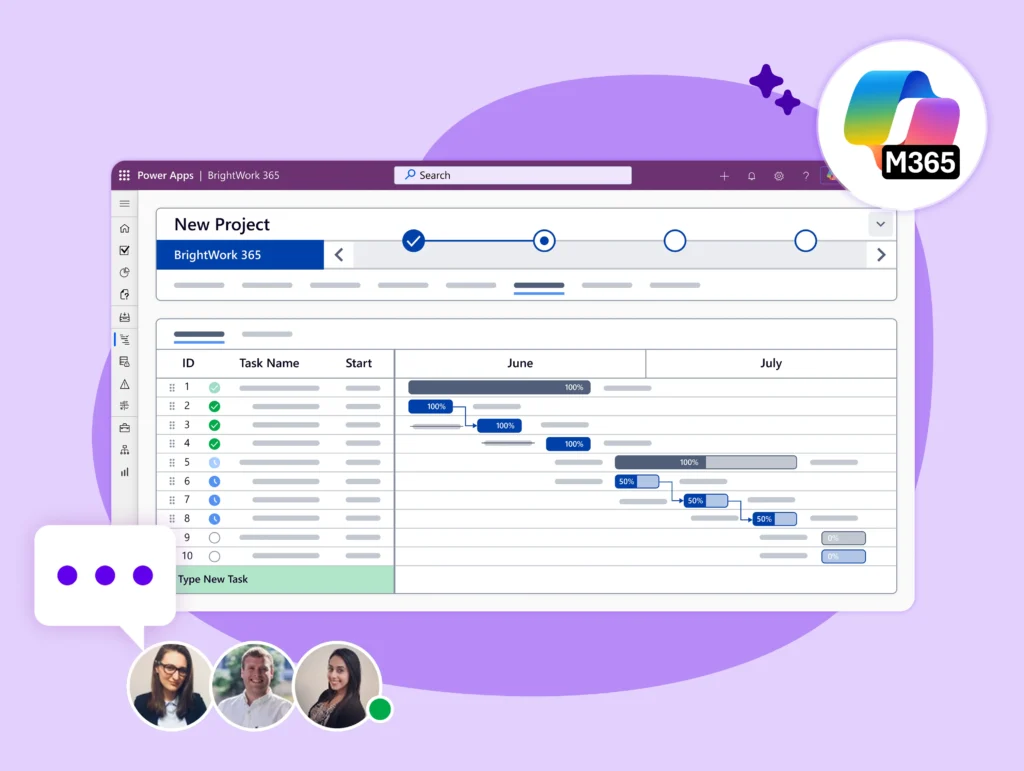
Standardize and Scale Processes
Establish a consistent project management framework across all departments with BrightWork 365 and SharePoint.
-
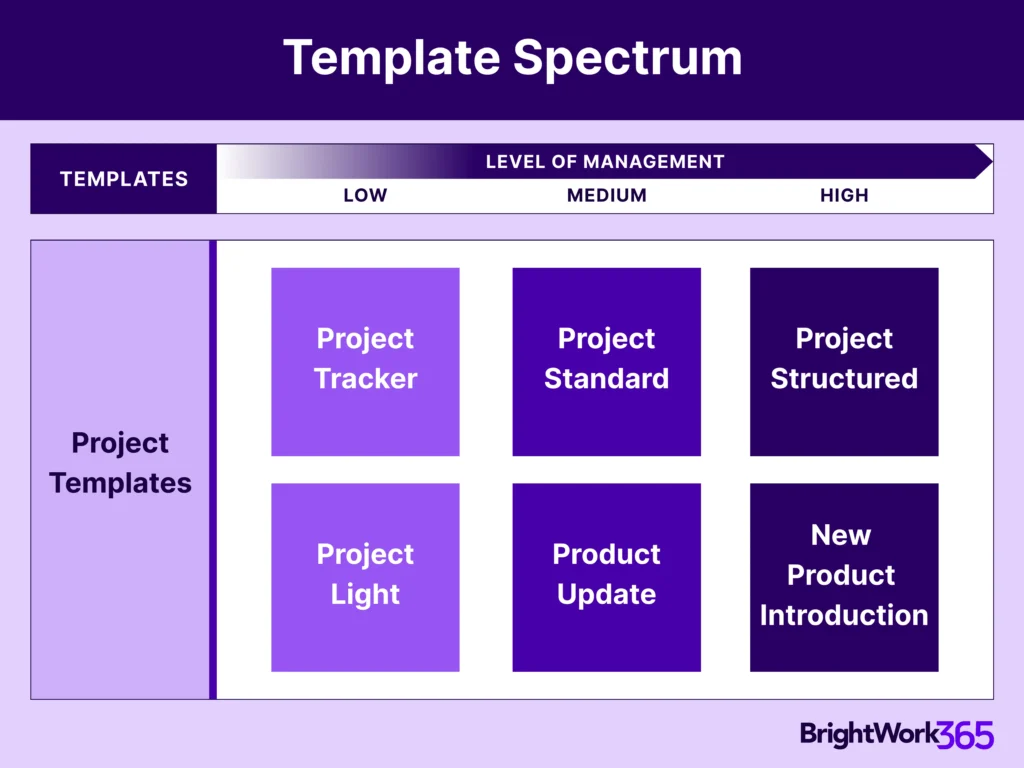
Use configurable templates to standardize project setup.
-
Automate key tasks with repeatable workflows.
-
Improve visibility for stakeholders and department heads.
-
Regain control over projects for managers.
Built for Microsoft 365
BrightWork 365 integrates with the Microsoft 365 apps your agency already uses. Use SharePoint alongside:
-
Collaborate with your team using Microsoft Teams.
-
Build custom forms for project requests with Power Apps.
-
Create automated approval workflows with Power Automate.
-
Ensure secure user access and data management through Azure AD.
Customer Success Story


Let's Talk
See how BrightWork 365 streamlines State and Local Government projects.
To use the booking widget, please allow Functional cookies.