Microsoft Teams for Government Agencies
Collaboration just got easier and secure. Bring all your projects and day-to-day communication in one place.
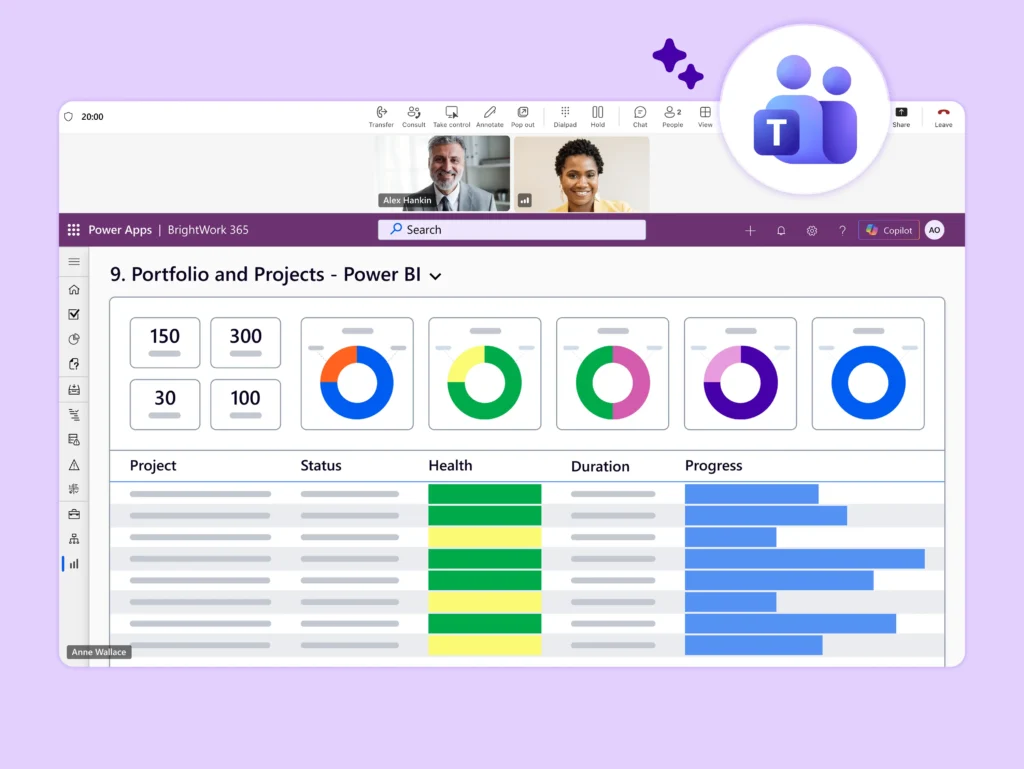
Government Teams Trust BrightWork 365
Centralize Project Collaboration in Teams
Disconnected tools and email chains create information silos that hinder progress on public initiatives. BrightWork 365 uses Teams as a secure, central hub for all project work.
-
Create a dedicated Team for each government program.
-
Use project-specific channels for focused discussions and tasks.
-
Keep all project files and conversations in one compliant location.
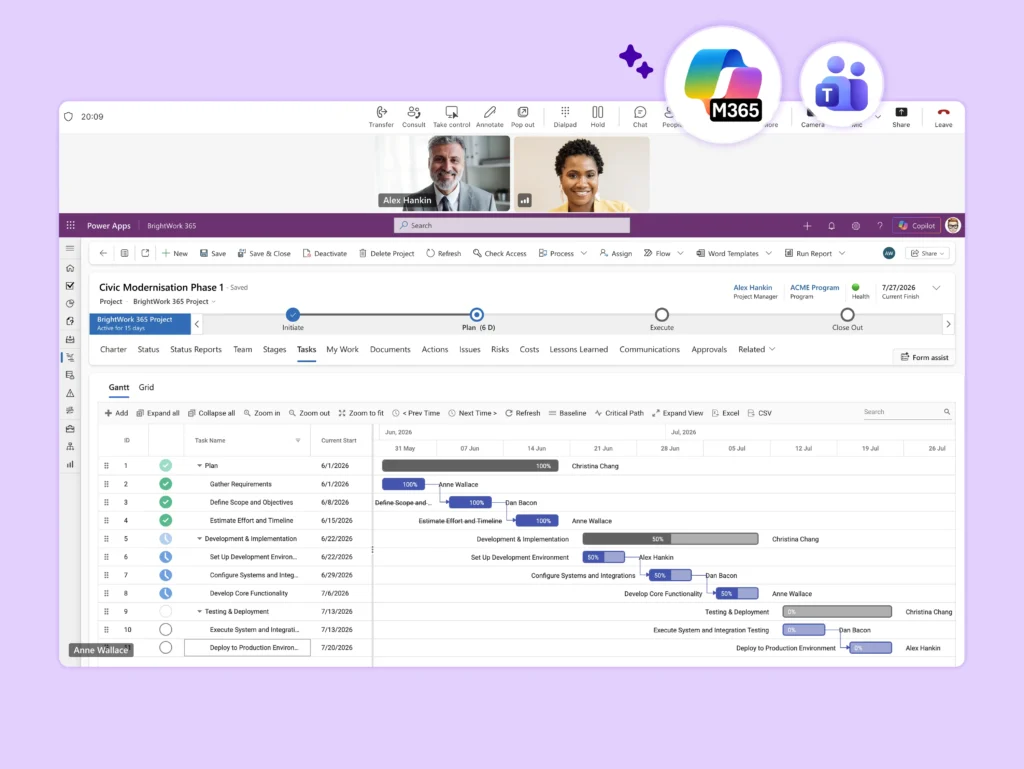
Enhance Meeting Efficiency and Records
Make government project meetings more productive by integrating them with your project site. This approach ensures all stakeholders have access to the same real-time information.
-
Access project plans and documents directly within meetings.
-
Record meetings and store transcripts for official records.
-
Assign tasks and capture decisions in real time.
Standardize and Scale Processes
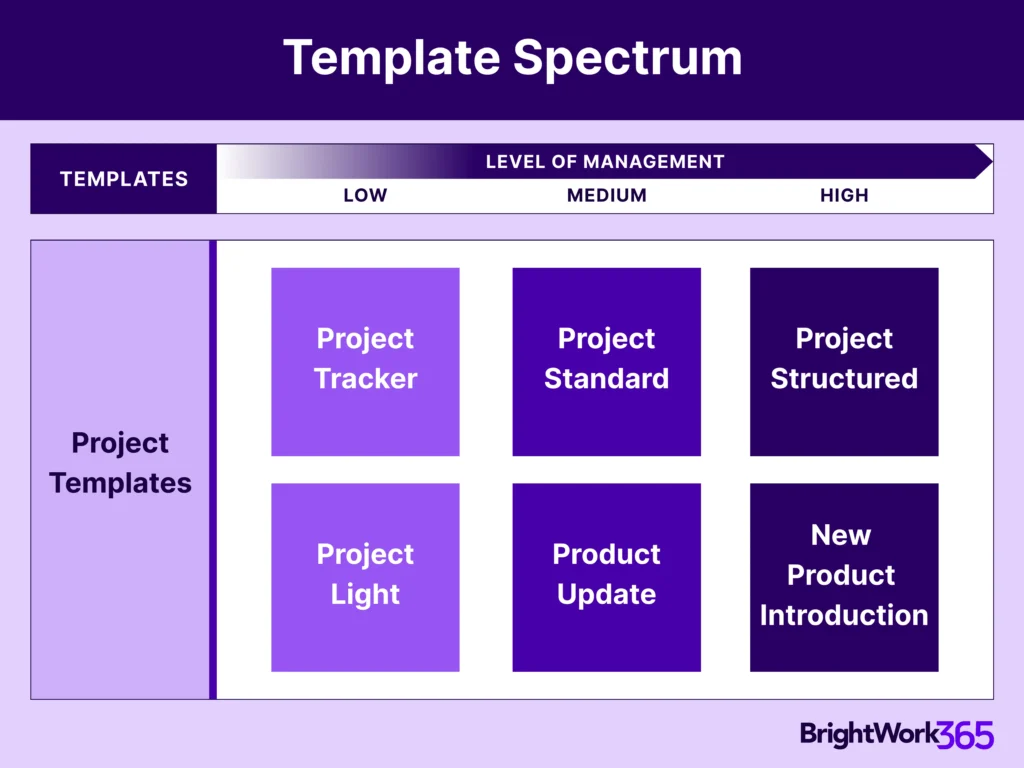
Establish consistent processes across all departments and programs to improve outcomes and simplify oversight. BrightWork 365 provides the framework for scalable governance.
-
Deploy ready-to-use templates for common government projects.
-
Automate routine tasks and approval processes.
-
Gain executive visibility across all government initiatives.
-
Maintain governance and compliance standards consistently.
Built for Microsoft 365
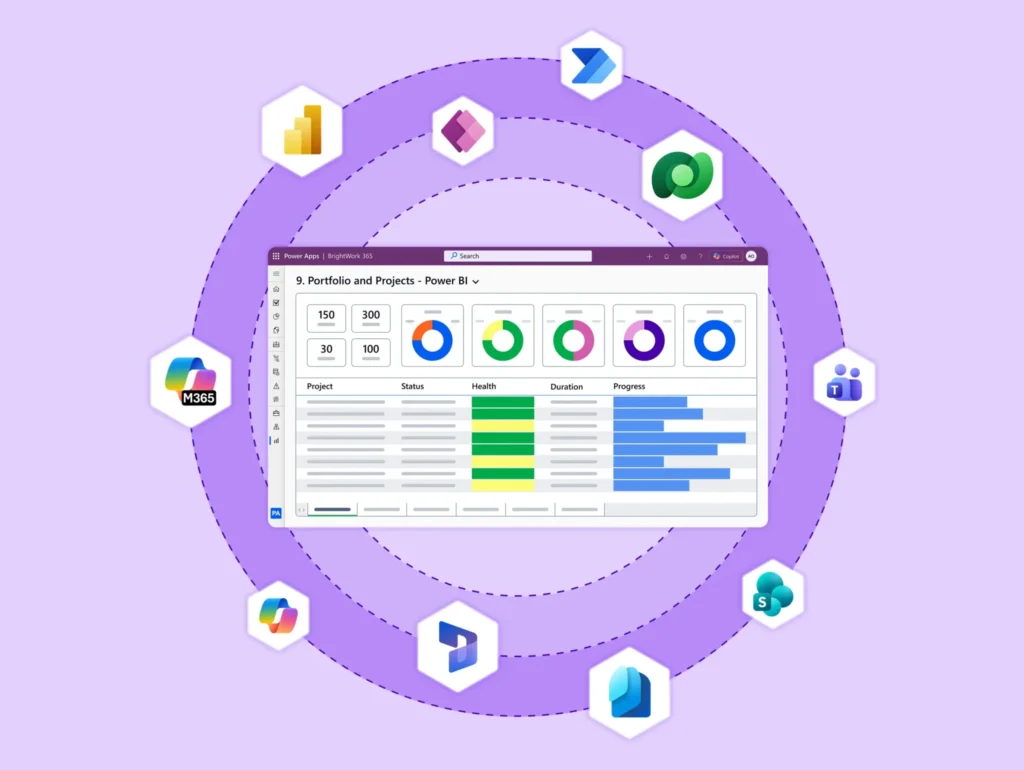
BrightWork 365 builds on the Microsoft Power Platform and integrates with the secure tools your agency already uses.
-
Use the Power Platform for custom apps and automated workflows.
-
Access SharePoint for secure document management within Teams.
-
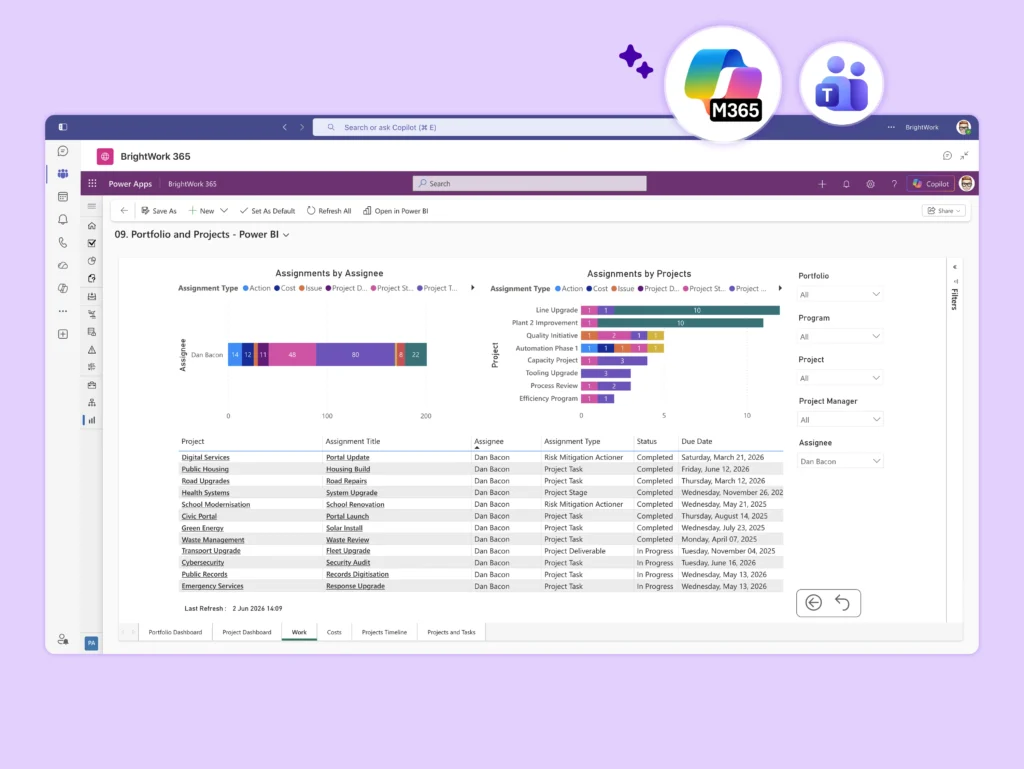
Connect Power BI for real-time project and portfolio dashboards.
-
Manage access securely with Azure Active Directory.
Customer Success Story


Let's Talk
See how BrightWork 365 streamlines State and Local Government projects.
To use the booking widget, please allow Functional cookies.