
When you review project data security in Microsoft 365, the phrase “your data stays inside Microsoft 365” demands a precise definition. You need to know where core project records live, which tenant and environment contain them, how your team gains access, and which connections send data to another service.
Our Power Platform project solution stores records in Dataverse inside your own Power Platform environment and uses Microsoft Entra ID for authentication. That setup gives your administrators direct control over the environment and permissions.
It does not automatically prove that every document, report, email, connector, support process, or AI feature shares the exact same storage and processing boundary.
In this article:
-
How tenant, environment, storage, and identity boundaries differ
-
Where Dataverse project records actually reside
-
How permissions and administrative access work in layers
-
Which integrations create extra data paths
-
What you should ask before accepting any data-location claim
"Inside Microsoft 365" Should Name a Technical Boundary
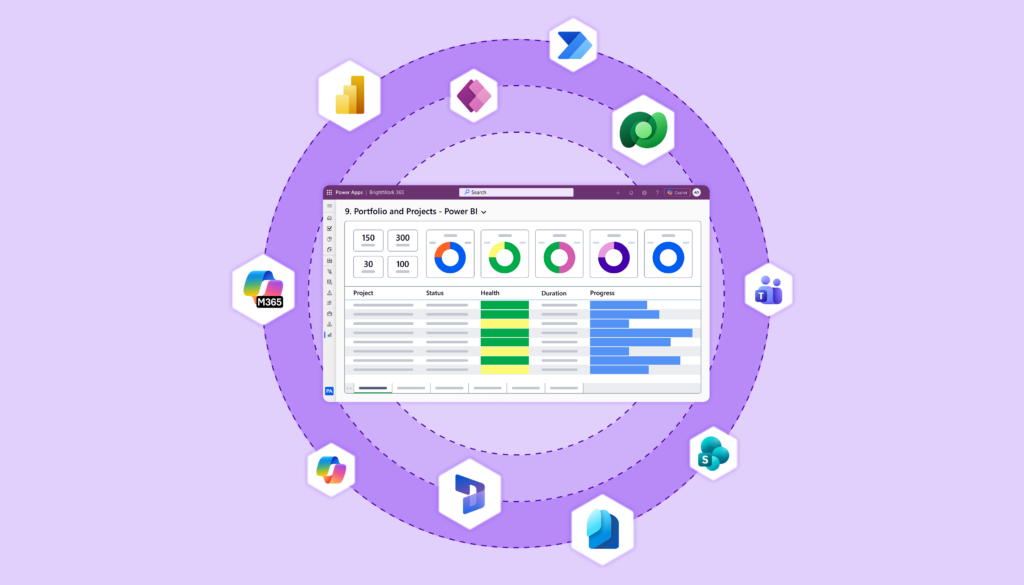
Microsoft 365 operates as a group of connected services. It does not function as one massive database. We use Power Apps for interfaces, Dataverse for business records, SharePoint Online for documents, Teams for collaboration, Power Automate for flows, Power BI for reporting, and Outlook for email.
Our BrightWork 365 integrations page shows how Microsoft 365 and Power Platform services support project and portfolio work across the solution.
Each service manages its own data, permissions, administration, licensing, and connection points. A reliable product statement must detail which service stores which information and how that service fits into your Microsoft setup.
Four boundaries help turn a broad claim into a testable reality.
| Boundary | Question you should ask |
| Tenant | Which Microsoft Entra tenant contains the users, environments, and administrative relationships? |
| Environment | Which Power Platform environment contains the app, flows, connections, and Dataverse database? |
| Storage | Which service stores project records, documents, reports, messages, and exported files? |
| Data flow | Which connectors, integrations, support tools, and AI services can receive or process information? |
We believe any vendor should answer each question in clear product and deployment terms. Statements like “built on Microsoft” or “works with Microsoft 365” give useful context, but they do not describe the full data path.
Tenant and Environment Are Different Boundaries
A Microsoft Entra tenant provides the identity and directory boundary for your organization. A Power Platform environment sits under a tenant and acts as a container for business data, apps, connections, gateways, and flows.
You can create separate environments for production, testing, departments, regions, or other administrative needs. An environment can have a Dataverse database, and access to that database receives separate configuration.
Binding an Environment to a Geographic Location
Microsoft also binds an environment to a geographic location. Its current Power Platform region guidance states that items created in the environment, including Dataverse databases, apps, connections, gateways, and custom connectors, bind to that location.
That statement still needs careful attention. A selected environment geography does not promise one datacenter, one country in every region, or zero replication. It also does not cover an external service reached through a connector.
During procurement, ask for the exact production environment details rather than a generic tenant statement. Your administrator can confirm the environment type, region, Dataverse database, security group, enabled connections, and current resources right in the Power Platform admin center.
Dataverse Can Store the Core Project Records
Dataverse provides structured business-data storage for Power Platform applications. A PPM solution uses tables to hold project requests, projects, programs, portfolios, tasks, risks, issues, status, and related records.
Structured storage matters for more than location. Tables, relationships, required fields, and permissions give your PMO a consistent record set for workflows and reports. The product still needs a sound configuration, and your organization still needs clear data ownership and governance.
You should ask:
-
Which project records sit in Dataverse?
-
Which files sit in SharePoint Online?
-
Which conversations or notifications sit in Teams or Outlook?
-
Which reports use Power BI?
-
Which flows use Power Automate?
-
Which fields are copied into exports, email, or another system?
The answers define your data estate much more accurately than a single sentence about Microsoft 365.
Microsoft Entra ID Handles Identity, Not Every Permission Decision
Microsoft Entra ID authenticates a user, but authentication alone does not grant access to every Power Platform environment, app, or Dataverse record.
Microsoft documents separate layers across tenant administration, environment administration, app sharing, Dataverse access, security groups, security assignments, connector credentials, and service licenses. Its Dataverse access guidance also states that tenant administrators do not automatically receive access to data in every Dataverse environment.
That separation supports least-privilege administration when you configure it carefully. It also creates several review points:
-
Who can administer the tenant?
-
Who can administer the production environment?
-
Who can install or change the application?
-
Who can assign Dataverse access?
-
Who can create or edit flows and connections?
-
Who can publish or share reports?
-
Who can export records?
Your security review should map each permission to a business need and a named owner. A broad statement that users sign in with Microsoft 365 cannot replace that specific access map.
Data Can Leave the Core Environment Through Expected Work
Project work often requires movement. A team may send an approval email, post a message in Teams, export a spreadsheet, share a Power BI report, connect to a finance system, or send selected data to an AI service.
Those actions are completely valid and controlled, but they create more than one copy or processing path. Your data review must account for them.
Connector Paths and Automated Flows
Power Platform connectors let apps and flows exchange data with Microsoft and third-party services. Power Platform data policies can classify or block connector combinations and can suspend or quarantine resources that breach policy.
Our guide to Power Platform governance strategies covers data loss prevention policies, tenant isolation, maker access, and administrative controls in greater depth.
Data policies need configuration. They do not replace a direct inspection of each flow, connection, custom connector, credential, and external service.
Documents and Collaboration
Your project records may sit in Dataverse while project files sit in SharePoint Online and discussions happen in Teams. Treat those as connected services with separate retention, sharing, and access settings.
Reports and Exports
Power BI reads project data and shares reports with approved users. Our guide to Power BI for project management explains how reporting, sharing, and governance affect the wider project-data path.
Exported data creates files outside the report context. Confirm who can share, export, download, or build new reports from the model.
Support, Telemetry, and Backups
Ask what diagnostic data we receive, when our support staff can gain access, which approval process controls that access, and how backups or recovery copies operate. The answers often differ between the Microsoft infrastructure and the application vendor.
AI Processing
An AI feature uses prompts, retrieved records, generated output, logs, and safety systems. Ask us to map each item to a service, storage location, retention rule, and model-training statement. Do not infer the AI path from the main application’s storage design.
Tenant-Deployed and Standalone SaaS Patterns
The market offers several deployment patterns. A tenant-deployed Power Platform solution keeps its core business records inside your own environment. A standalone SaaS product stores primary records in the provider’s service and connects to Microsoft 365 for sign-in, files, messages, or selected workflows.
Neither pattern gives an automatic security pass. A tenant deployment can still suffer from weak permissions or unmanaged connectors. A standalone service can offer documented controls, firm contract commitments, regional choices, and mature administration.
The best comparison relies on evidence:
-
Named storage services
-
Selected geography
-
Identity provider
-
Permission model
-
Encryption commitments
-
Connector and integration paths
-
Administrator and support access
-
Backup and recovery
-
Audit and retention
-
AI data handling
-
Contract and compliance scope
Compare the exact same fields across products. Avoid giving extra credit for a Microsoft logo or subtracting credit solely because a provider operates its own service.
Common Questions About Project Data in Microsoft 365
Does a Power Platform environment have its own location?
Yes. Microsoft binds an environment and its created resources to a geographic location. Confirm your production environment in the admin center and review the Microsoft commitments for that geography.
Can a connector send project data to another service?
Yes. A connector can exchange data with another Microsoft or third-party service. Review the connection, flow, credential, destination, and Power Platform data policies before granting approval.
Does Microsoft Entra ID control every project permission?
Microsoft Entra ID authenticates users and supports group-based access. Environment access, app sharing, Dataverse security assignments, report sharing, and connector credentials still require separate configuration.
Does a tenant deployment make an organization compliant?
No. Deployment location contributes evidence for an assessment, but actual compliance depends on the named services, configuration, people, process, contracts, and applicable regulations.
Ask for a Data Map, Not a Slogan
A credible Microsoft 365 project-data claim identifies the tenant, Power Platform environment, Dataverse records, connected services, permission layers, geography, and external data paths. It also clarifies the controls owned by Microsoft, by us, and by your team.
Start a BrightWork 365 trial to inspect the deployment model and build an accurate data map with your PMO and IT requirements in hand.