Standardize Manufacturing Processes
Configure project templates for your teams and PMOs on Microsoft 365 platform.
Trusted by industry leaders
Manufacturing Project Templates
Apply built-in templates and configure them for streamlined project delivery.
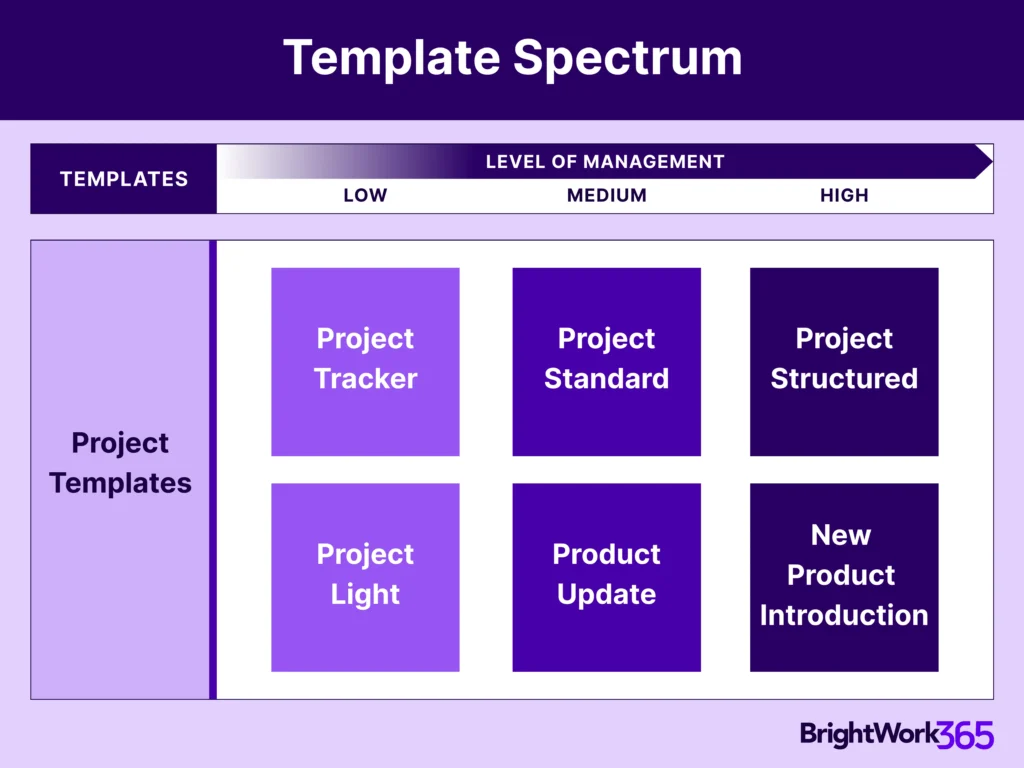
BrightWork 365 Template Spectrum
-
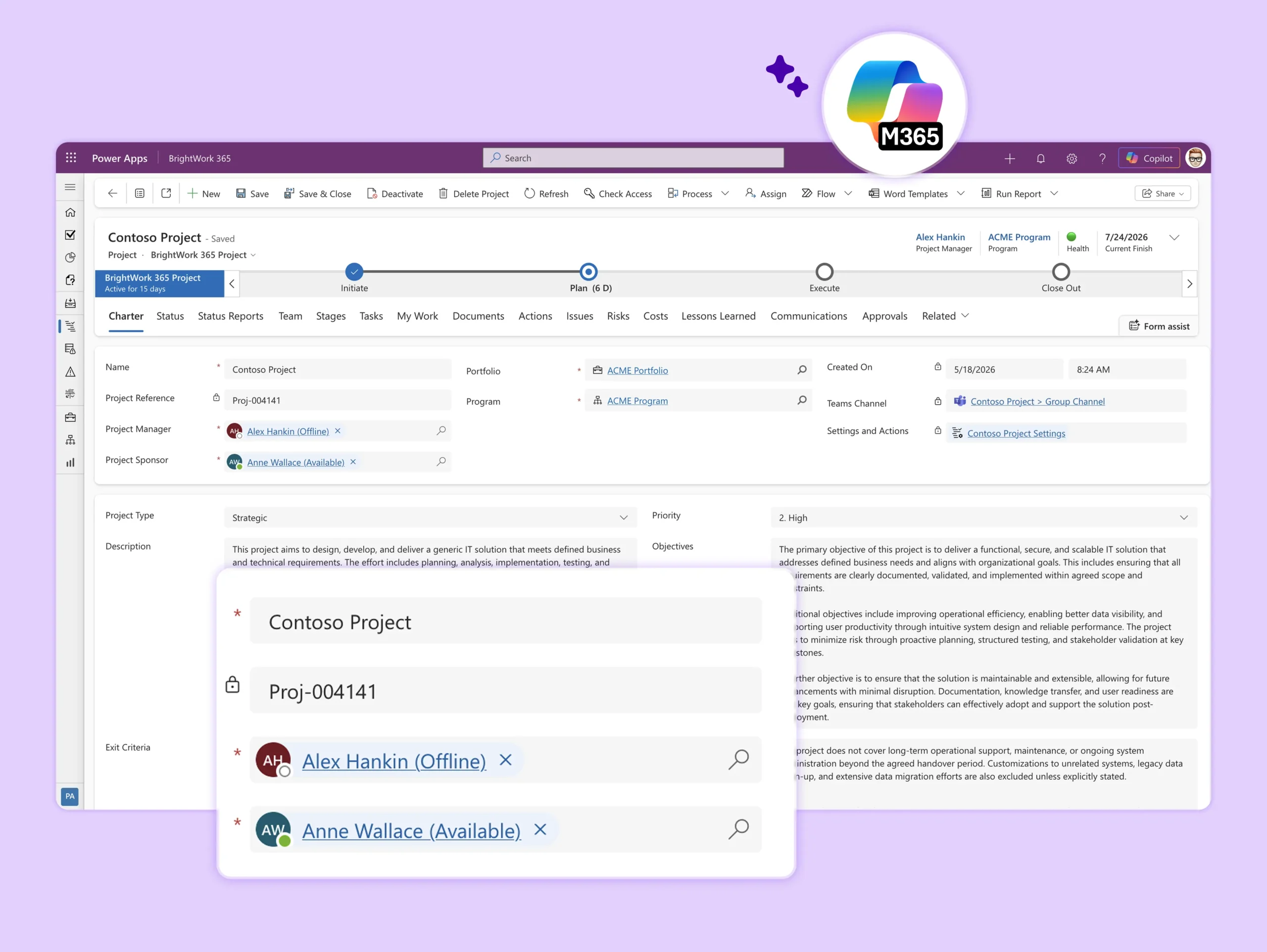
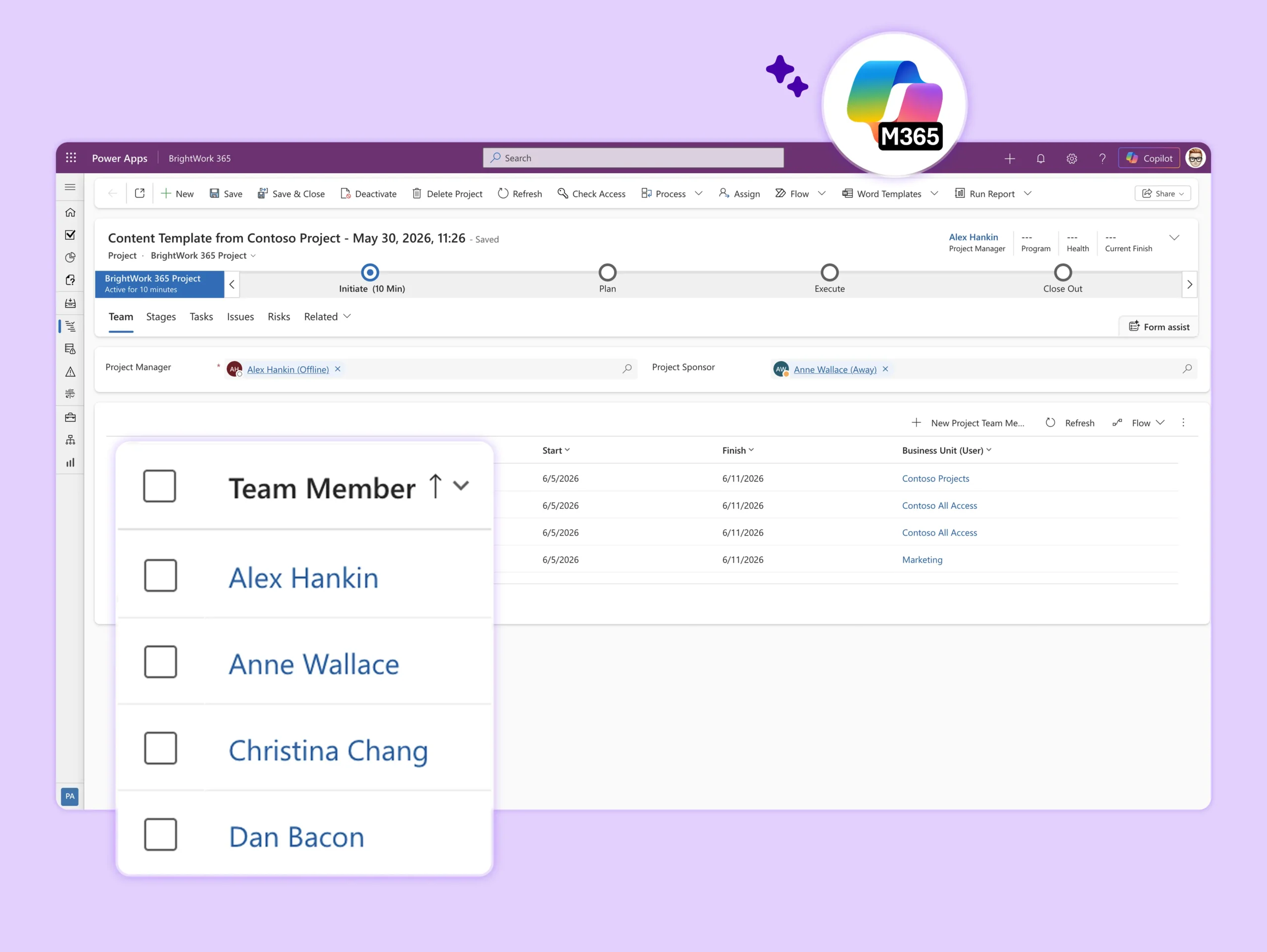
The BrightWork 365 Solution includes templates for projects, portfolios, day-to-day work management, and collaboration.
-
The templates support varying levels of project complexity and processes – from Light to Structured based our Start-Evolve Approach.
Microsoft 365 Templates
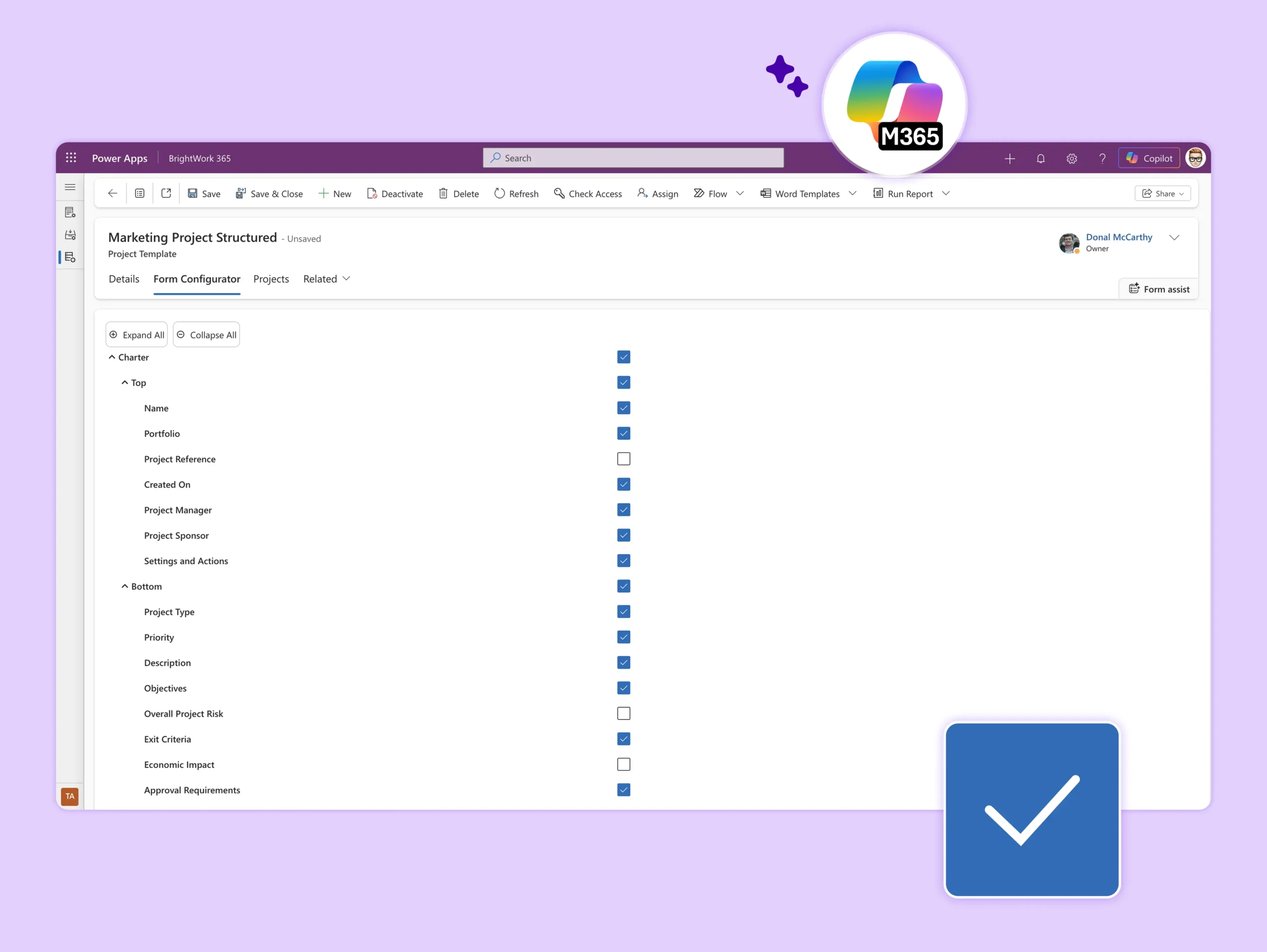
Standardize processes with configurable, best practice project management templates.
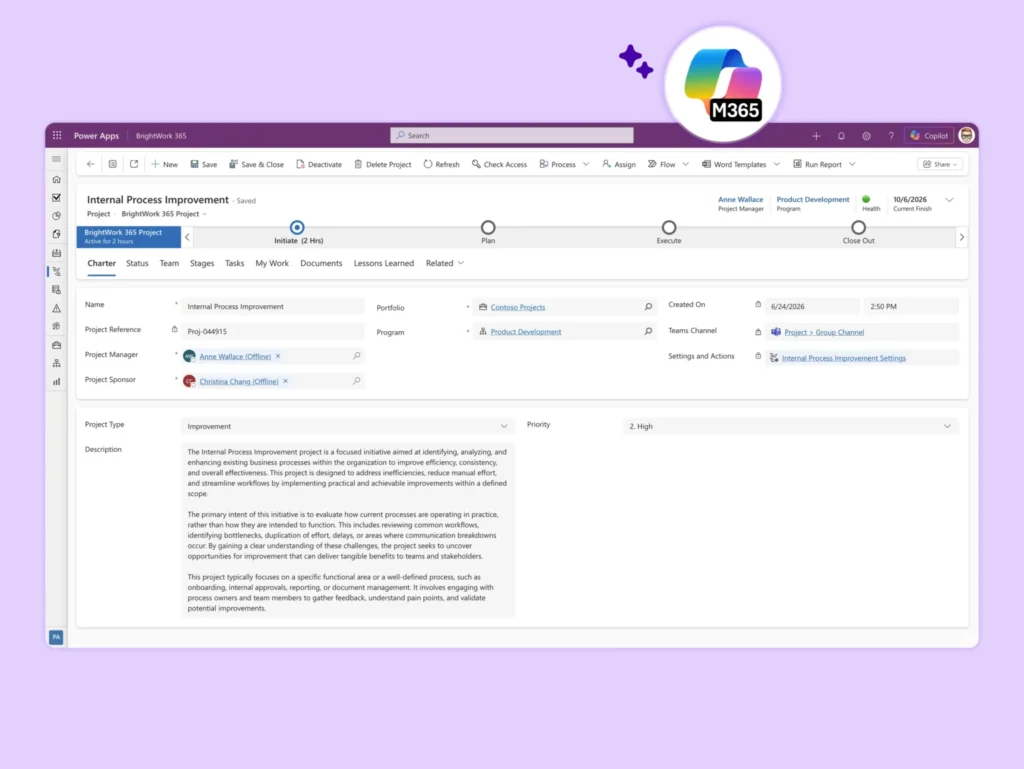
Project Light
Ideal for PMOs and teams that want to implement just the right level of structure, to ensure tasks are tracked, deadlines are met, and project objectives are achieved, without the overhead of more complex project management frameworks.
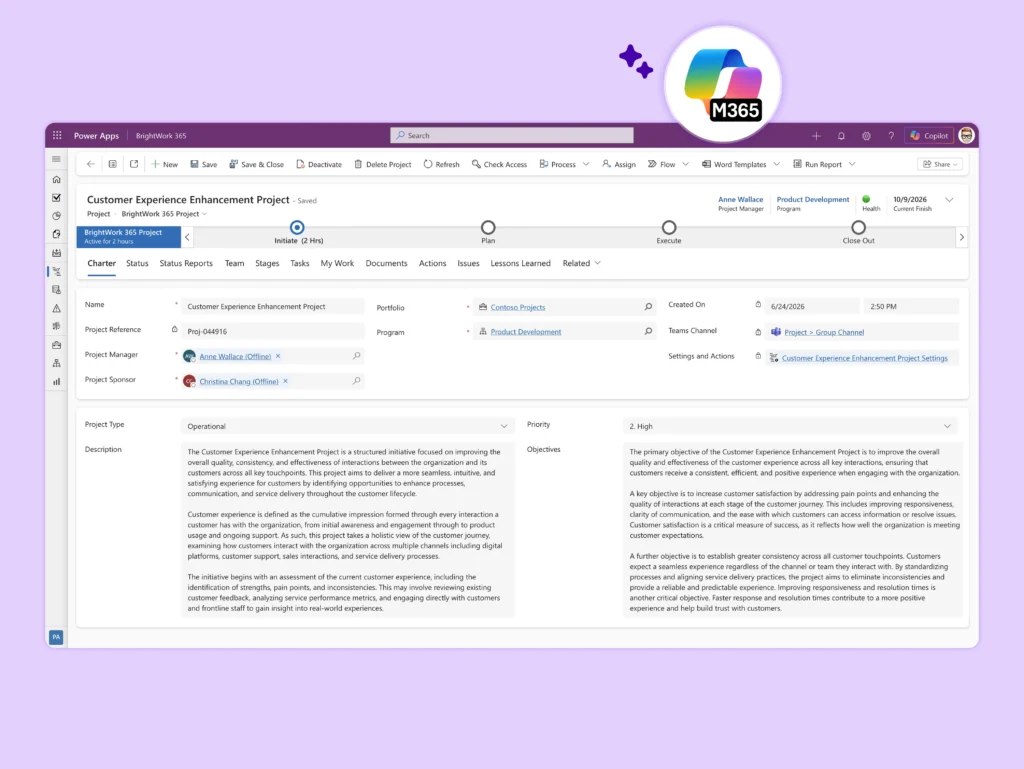
Project Standard
This makes it an ideal choice for teams across departments such as sales, marketing, engineering, finance, and more.
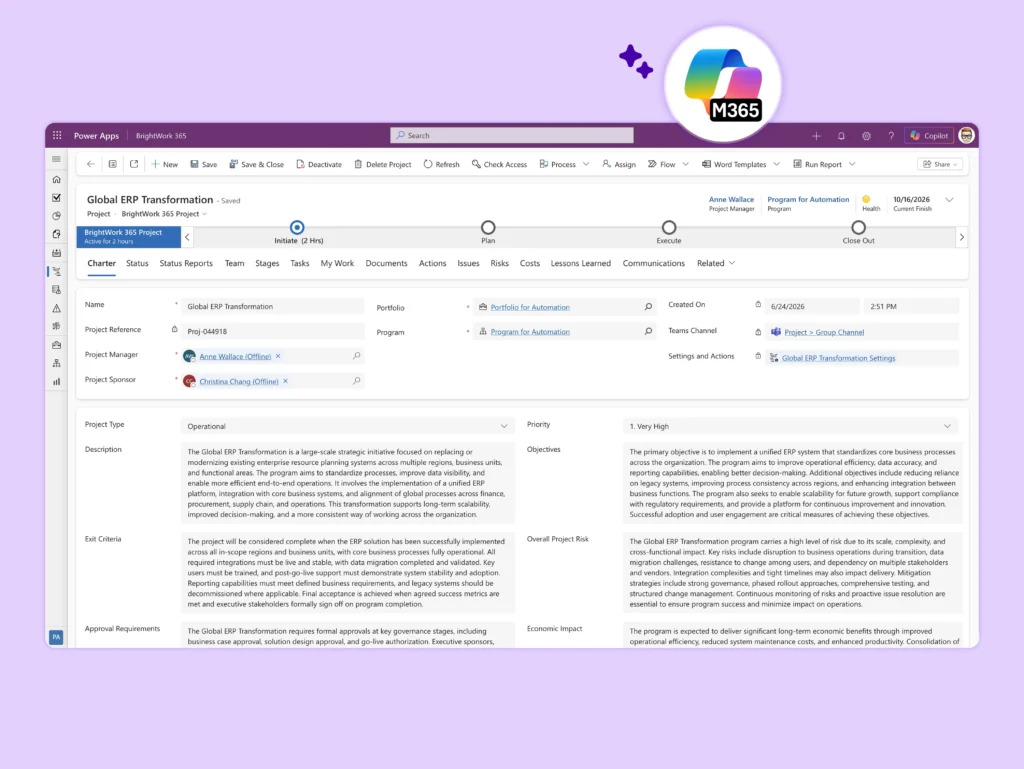
Project Structured
This makes it an excellent fit for high-complexity projects in areas such as product development, operations, engineering, or enterprise transformation.
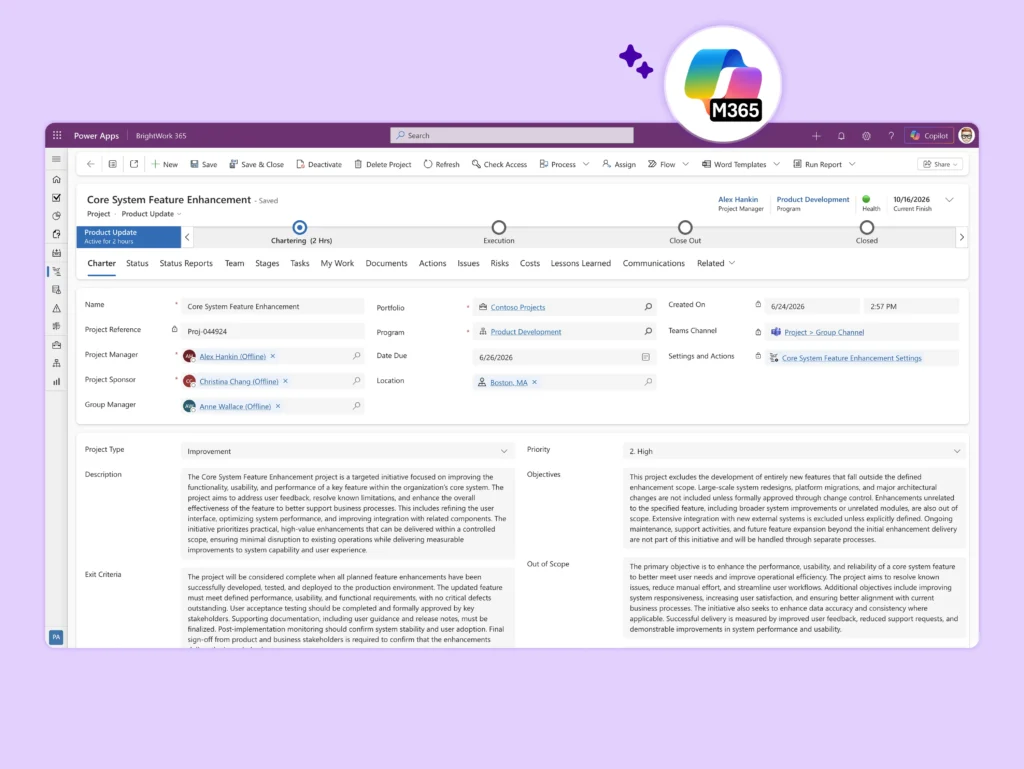
Product Update
It is ideal for any group responsible for improving or maintaining a product like product management, engineering, R&D, IT, customer support, and operations.
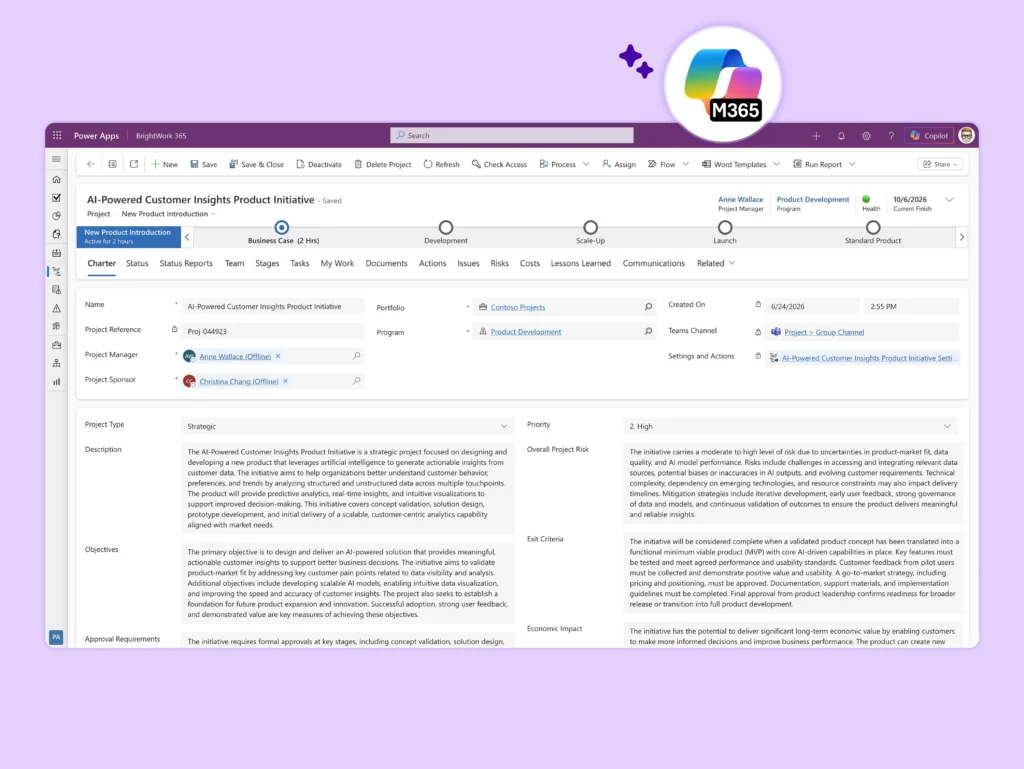
New Product Introduction
It helps departments such as product management, marketing, engineering, and operations collaborate effectively and bring about new products in a structured and efficient way.
BrightWork 365 Portfolio Templates
Get an immediate view of how your projects, programs, and portfolios are performing!
-
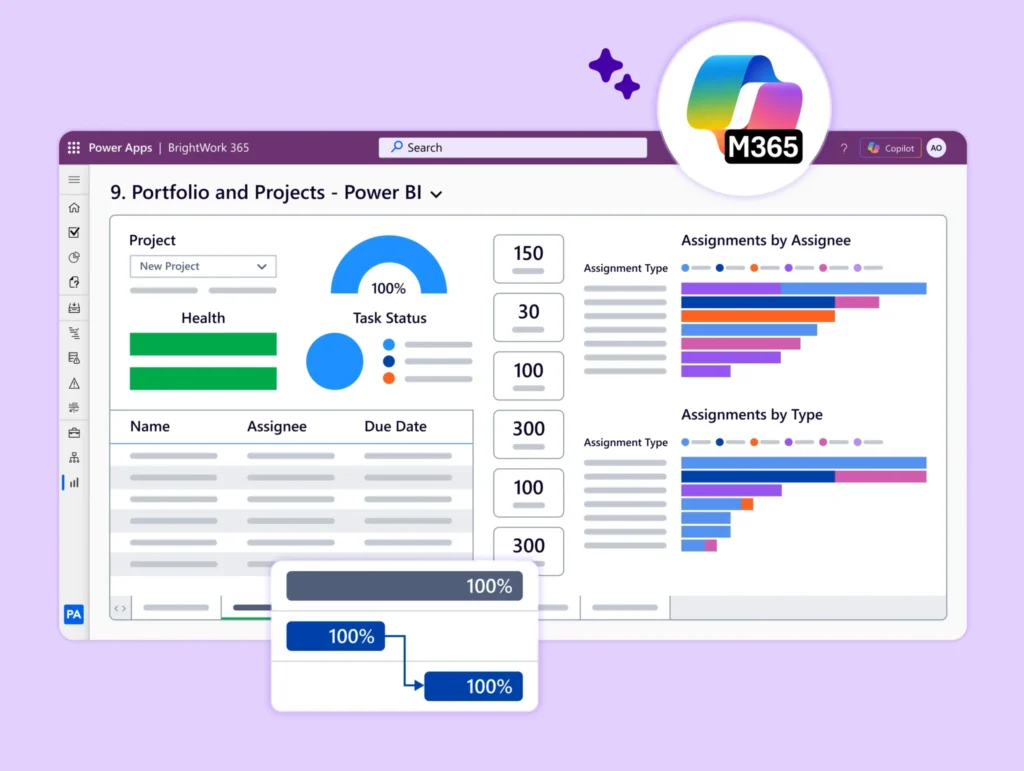
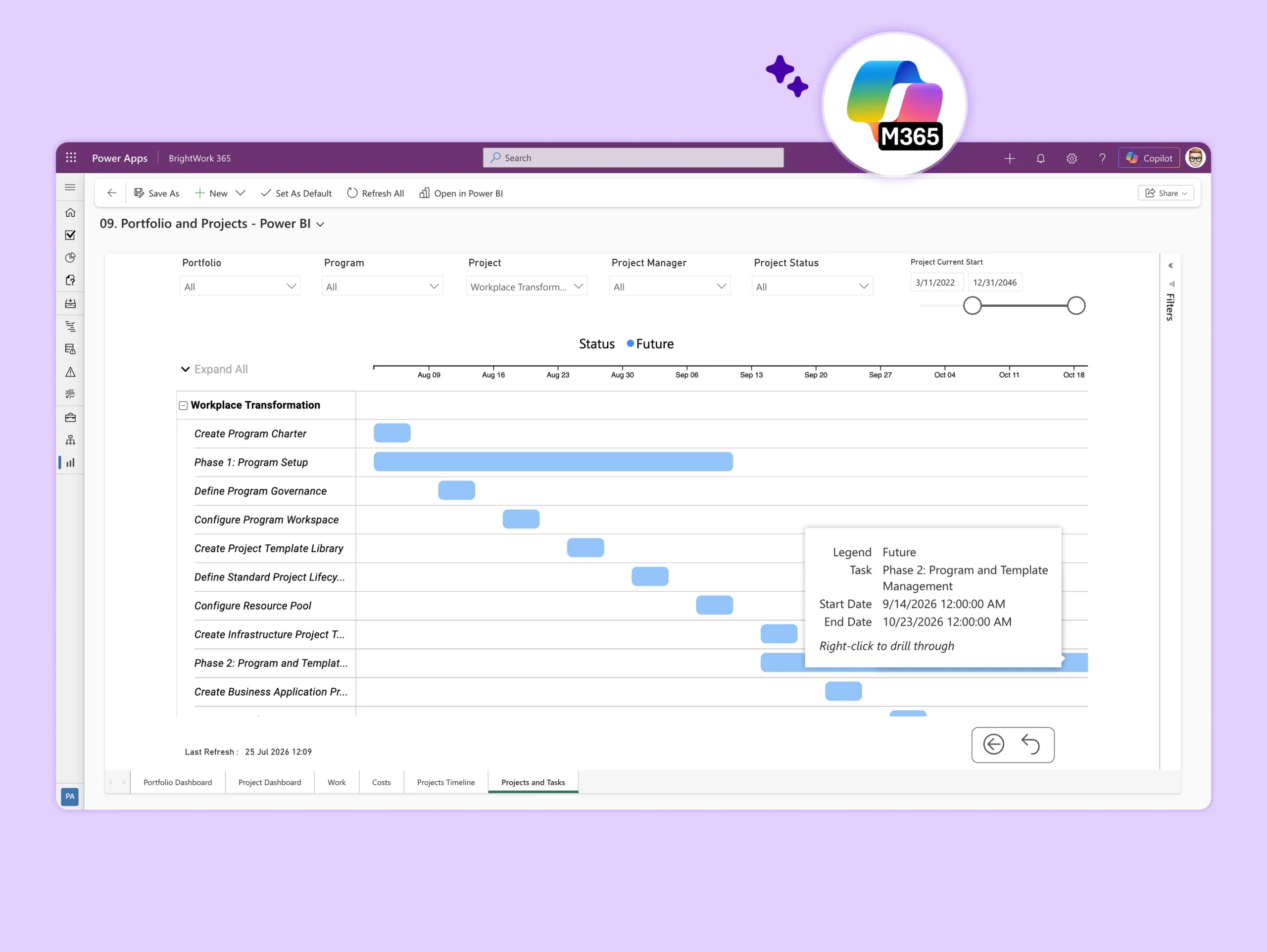
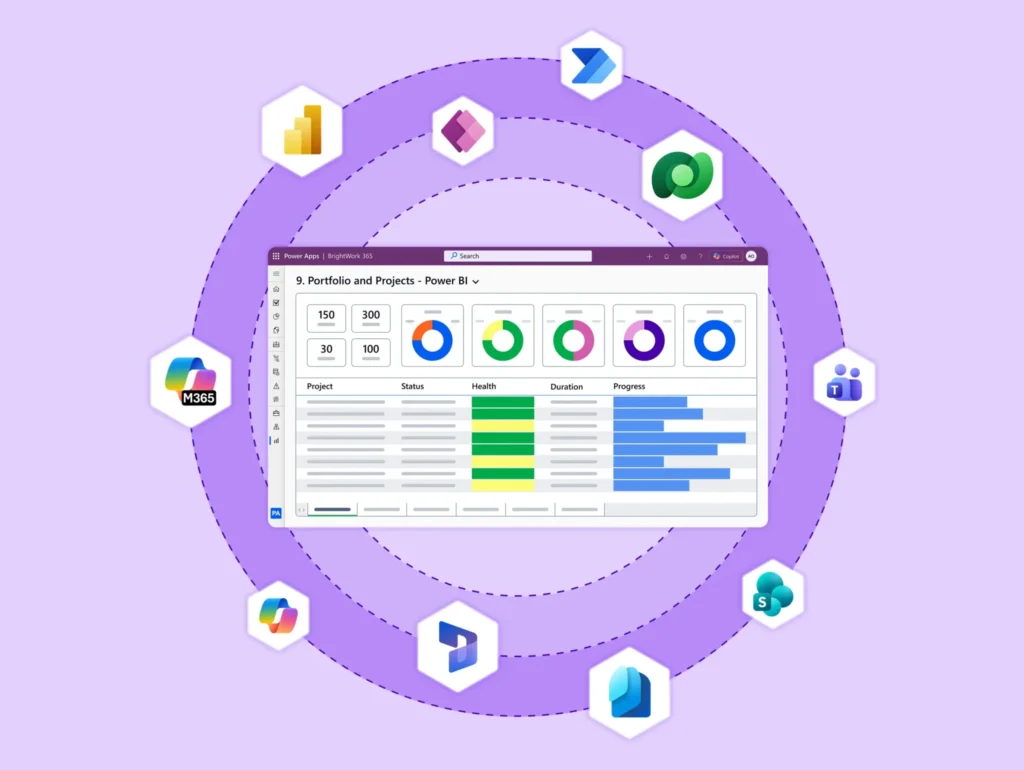
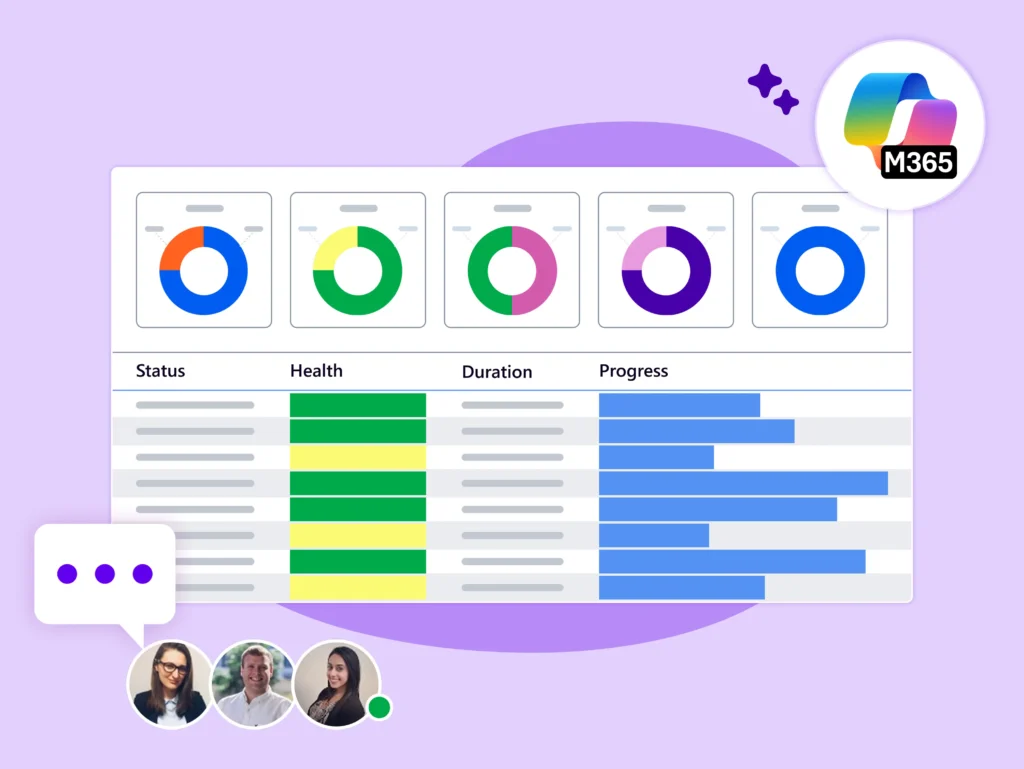
Create and share dynamic, real-time reporting on any program or portfolio in Power Apps or Power BI.
-
BrightWork 365 integrates with Microsoft Apps to create interactive reports for tracking project tasks.
-
Analyze and share data-backed insights using Power BI-enabled reports.
-
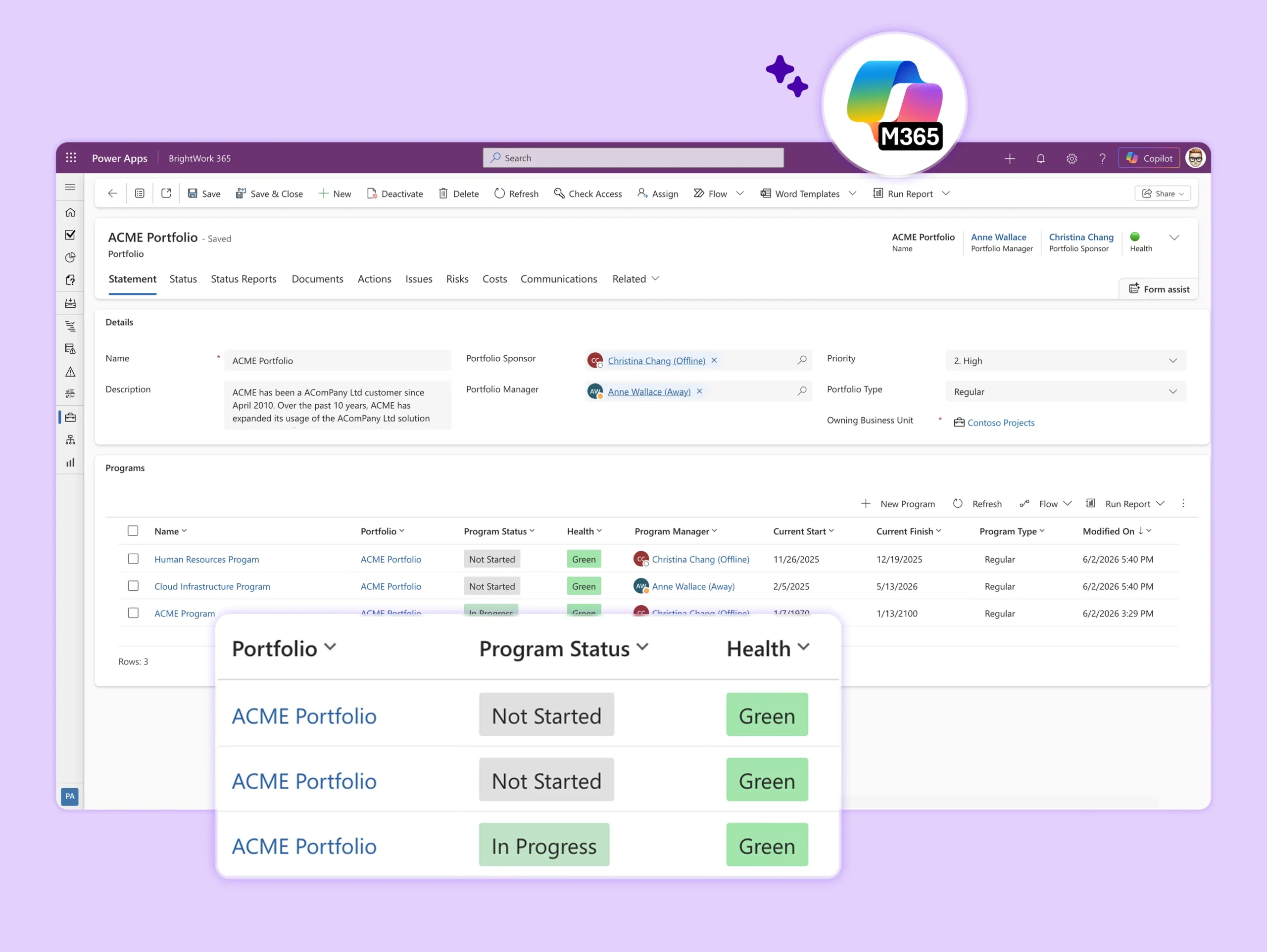
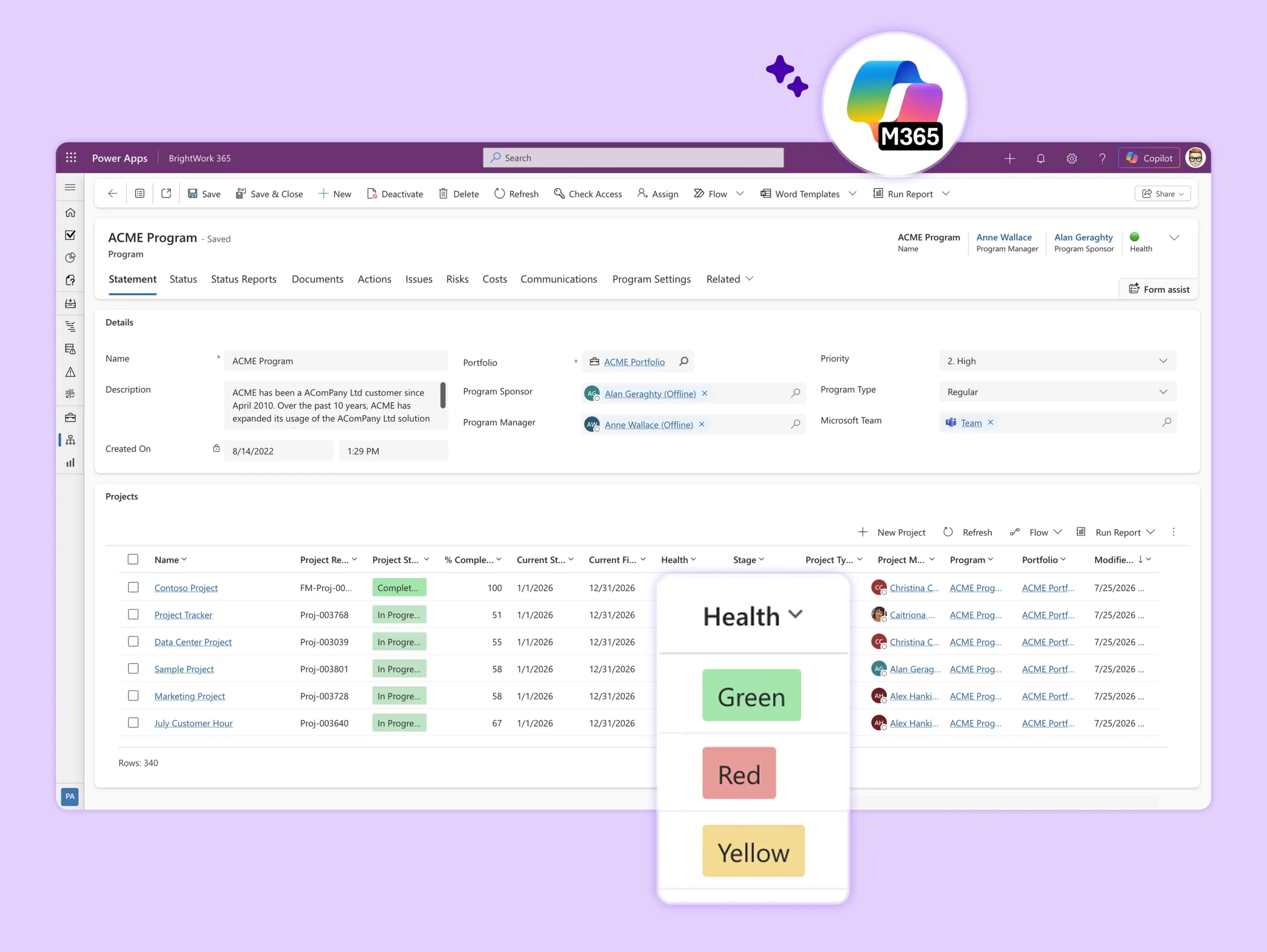
Group related projects into Programs for easier management and reporting.
-
Use real-time cross-project dashboards to manage Programs in one place.
-
Quickly view all Projects, Documents, Issues, Risks, and Program Settings for any selected Program.
-
Portfolios are the highest parent level in the BrightWork 365 hierarchy.
-
Organize your programs and projects within each portfolio.
-
Use real-time cross-project dashboards to manage portfolios in one place.
BrightWork Deployment Approach
Leverage our proven approach Start-Evolve to design your project management journey.
Start
evolve
Keep evolving
Why Choose Us?
-
Rapid Standardization: Get started fast with manufacturing-specific templates – no coding required.
-
Enterprise Security: Leverage Microsoft 365 compliance and data governance.
-
Fully Configurable: Tailor templates, workflows, fields, dashboards with no or low code.
-
Scalable Design: Start with basic project tracking and evolve into full PMO governance.
-
Executive Power: Use portfolio dashboards to improve prioritization, ROI tracking, and decision making.
Use Cases in Manufacturing
-
New Product Development (NPD) – Seamlessly intake, track, and stage-gate innovation pipelines.
-
Multi-Plant Capital Projects – Consistently manage budgets, risks, and timelines at scale.
-
IT and Support Requests – Handle break-fix and improvement work with the right level of oversight.
-
Cross-Functional Collaboration – Standardize how engineering, operations, and compliance work together.
Customer Success Stories
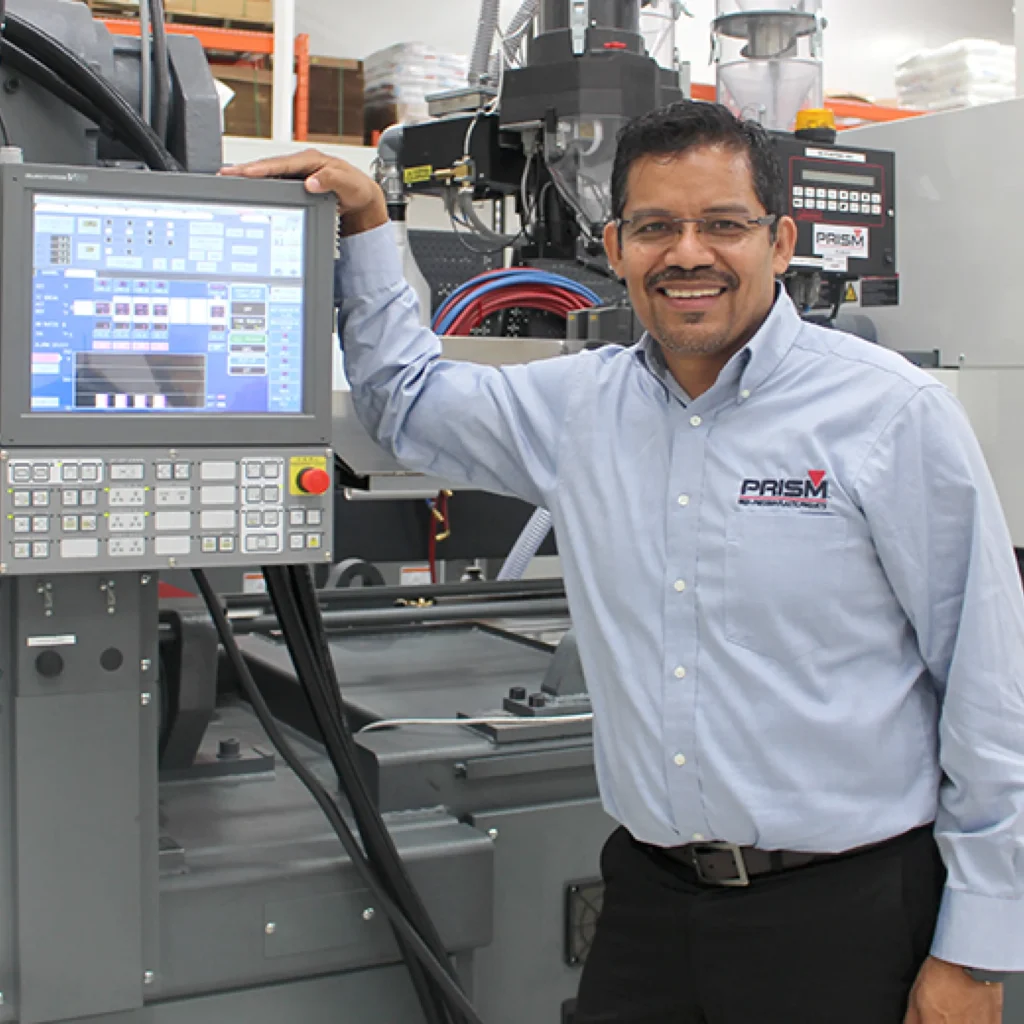

Configurable and custom templates ensure consistent project planning and delivery.


The familiar interface as well as utilization of SharePoint Online and Microsoft Teams enabled us for quicker adoption.


It's only been a year, and we can't imagine doing projects without Brightwork!
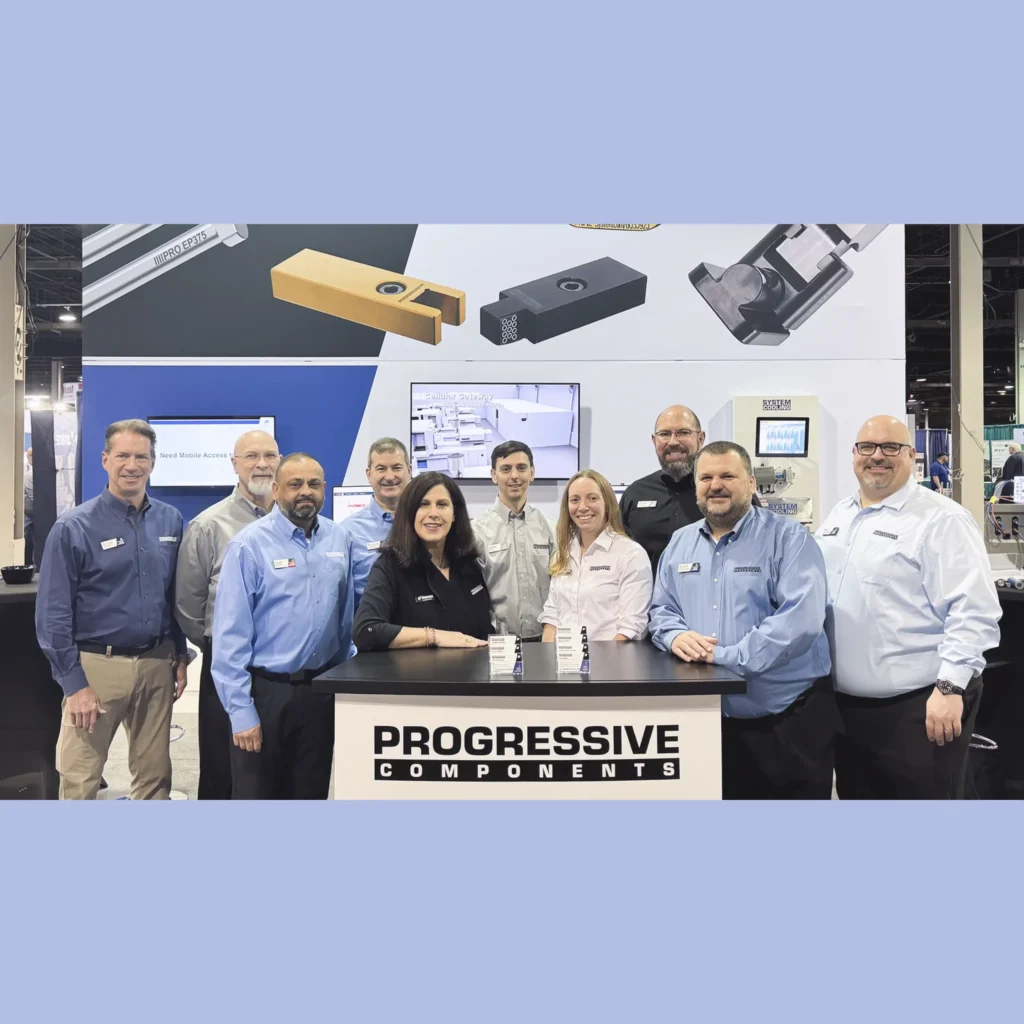

Furthermore, the tool's ability to adapt to our specific needs through customization using Power Apps has been a game-changer!

Let's Talk
Want to see how BrightWork 365 can work for your manufacturing business?
To use the booking widget, please allow Functional cookies.