
Not Every Project Needs a Heavyweight Process
Let’s be honest: not every project requires a Gantt chart, a risk register, and a multi-stage approval workflow from day one. Some projects just need a clear charter, a status update, and a place to store key documents.
That’s why the latest BrightWork 365 release (2026-2) introduces two new features designed to make it easier than ever to start managing projects in Microsoft 365, and grow your processes over time.
Introducing the Project Tracker Template
To view this video, please allow Functional cookies.

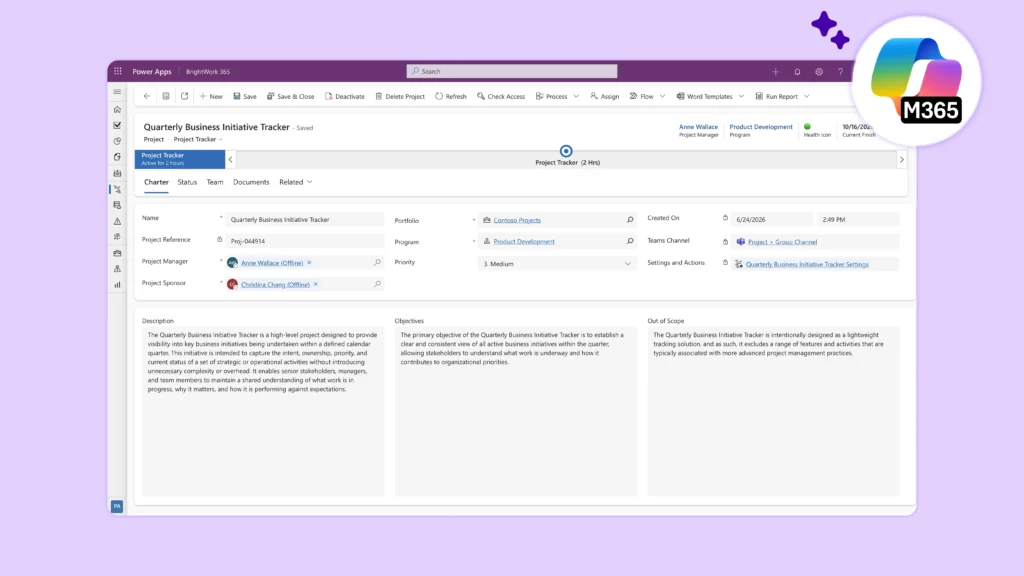
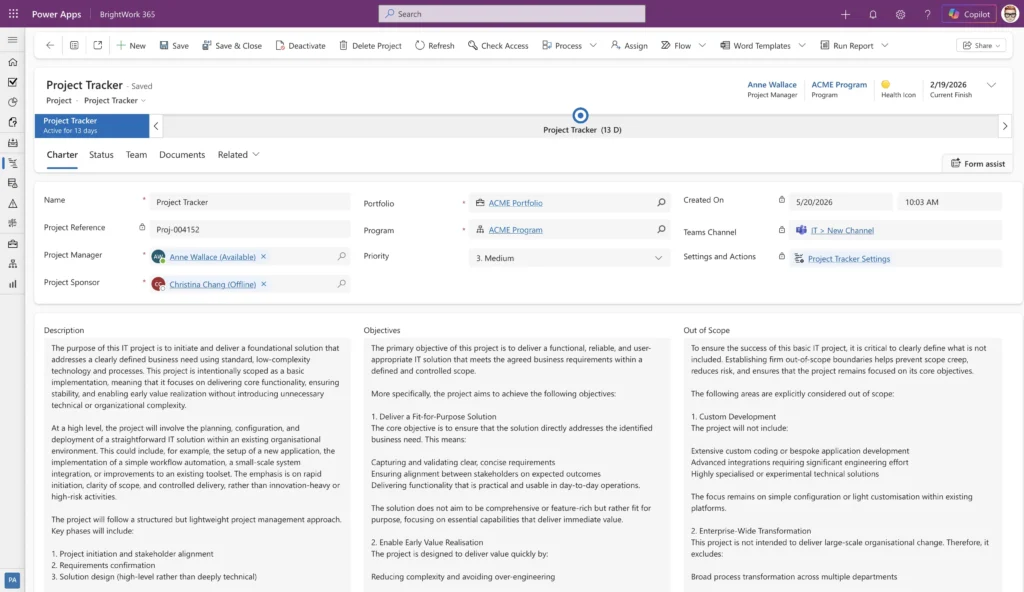
The Project Tracker is the simplest template in the BrightWork 365 library. It’s designed for high-level project tracking, giving teams and senior managers immediate visibility into what a project is about and how it’s progressing.
It includes just five focused tabs:
-
Charter – Define the project’s purpose, stakeholders, and priority
-
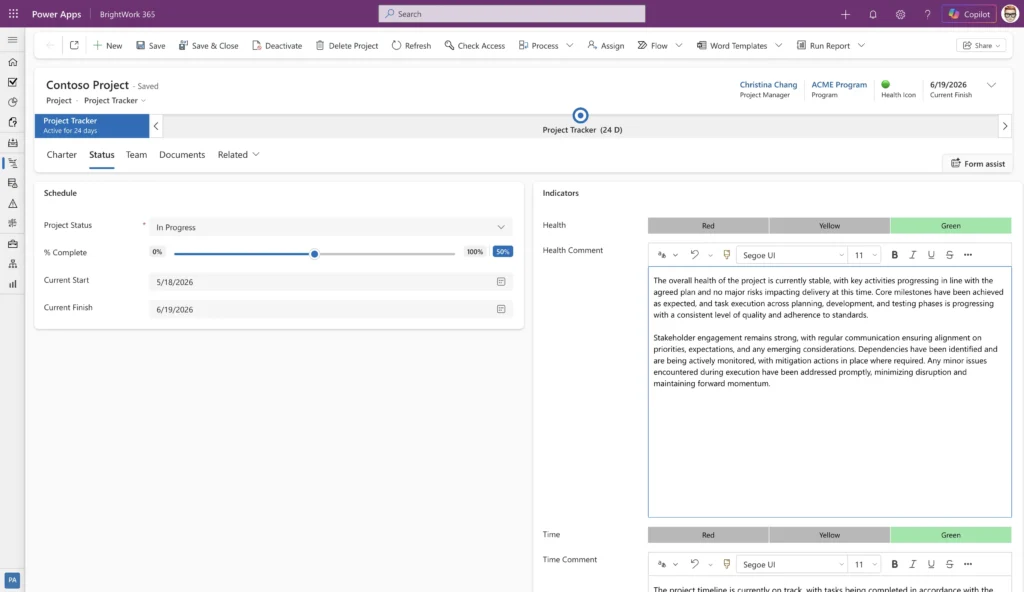
Status – Track health, % complete, and key dates
-
Team – View the project manager, sponsor, and team members
-
Documents – Store and share project files
-
Related – link to the “Audit History” of the project.
No task scheduling. No risk logs. No complexity you don’t need yet. Just clear project intent and status – visible to everyone who needs it.
The Template Switcher: Evolve When You're Ready
The companion feature to the Project Tracker is the Template Switcher. It allows your PMO or project manager to change a project’s template at any time without losing data.
Start a project with the lightweight Project Tracker. When the project grows in complexity, switch to Project Light, Standard, or Structured to unlock tasks, risks, costs, and more. Work items that aren’t part of the new template are hidden, not deleted. Approvals, audit history, and team assignments are all preserved.
This is the Start-Evolve approach in action: begin with what you need now, and add structure as your project management maturity grows.
Who Should Use the Project Tracker?
-
PMO leaders getting started with centralized project tracking who want an immediate, low-friction entry point.
-
Senior managers and executives who need portfolio visibility without requiring teams to adopt complex PM processes.
-
Project managers who need to spin up a project fast and detail it later.
Part of a Bigger Picture
The Project Tracker is one of six out-of-the-box templates in BrightWork 365, ranging from the lightest tracking (Project Tracker) to full structured project management with stages, risks, costs, lessons learned, and more (Project Structured). The Template Switcher connects them all, so you’re never locked into a single process.